
Best Free PDF and Image Tools Online in 2026
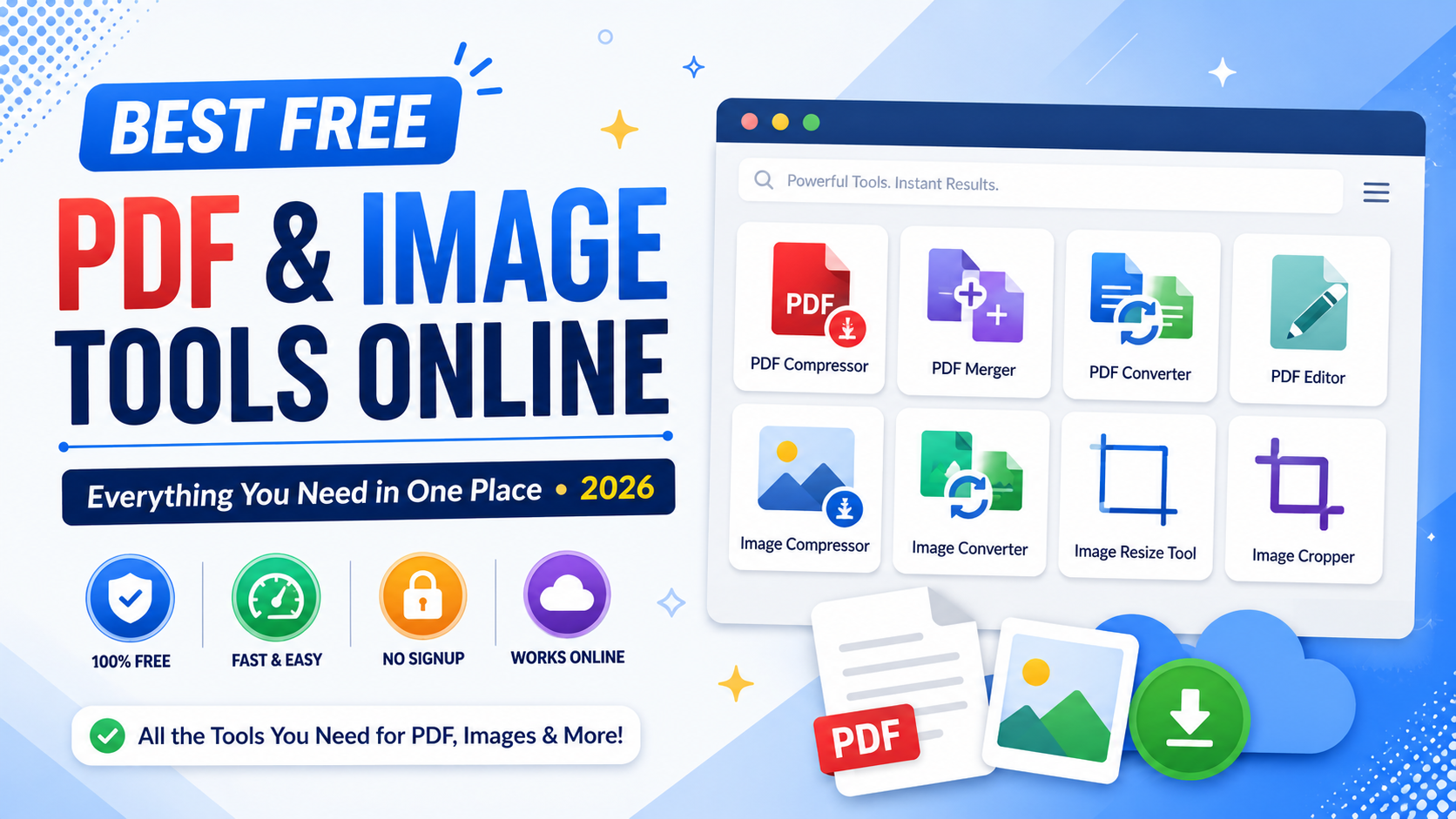
Whether you're a student submitting assignments, a freelancer sharing documents, or a business owner preparing marketing materials, having access to reliable free PDF and image tools online can save both time and money.
Instead of downloading heavy software or paying monthly subscriptions, modern browser-based utilities let you complete common tasks in seconds.
From converting documents to compressing images, everything can be done directly in your browser.
Why Browser-Based Tools Are Becoming More Popular
People increasingly prefer browser based tools because they're simple, fast, and work on almost every device.
The biggest advantages include:
- No software installation
- No account creation
- Works on Windows, Mac, Linux, Android, and iPhone
- Instant results
- Easy sharing
These online utilities are ideal for everyday personal and professional use.
Essential PDF Tools Everyone Should Have
Working with PDFs has become part of daily life.
The most useful PDF tools include:
- PDF Compressor
- PDF Merger
- PDF Converter
- PDF Editor
- PDF Splitter
- PDF Rotator
Instead of switching between different applications, browser-based tools make document management much easier.
Compress Large Documents with a PDF Compressor
Large PDF files can be difficult to upload or email.
A PDF compressor reduces file size while keeping the document readable.
This is especially useful for:
- Job applications
- University assignments
- Business proposals
- Government forms
- Client documents
Smaller files upload faster and take up less storage space.
Combine Files Using a PDF Merger
Need to combine multiple PDFs into one?
A PDF merger lets you organize invoices, reports, contracts, or study notes into a single document within seconds.
This keeps files organized and makes sharing much easier.
Convert Documents with a PDF Converter
A reliable PDF converter helps transform documents into different formats without complicated software.
Popular conversions include:
- Word to PDF
- Excel to PDF
- PowerPoint to PDF
- PDF to Images
Having quick conversion tools improves everyday productivity.
Edit Documents Without Installing Software
Simple changes don't always require expensive applications.
A lightweight PDF editor is perfect for:
- Rearranging pages
- Rotating documents
- Removing unnecessary pages
- Preparing files before sharing
For many users, browser-based editors provide everything they need.
Useful Image Tools for Everyday Tasks
Images often need small adjustments before being uploaded or shared.
Popular image tools include:
- Image Compressor
- Image Converter
- Image Resize Tool
- Image Optimizer
- Image Cropper
- Image Rotator
These tools work directly in your browser and usually finish in just a few seconds.
Reduce File Size with an Image Compressor
A good image compressor reduces image size without noticeably affecting quality.
Compressed images help:
- Websites load faster
- Emails send more easily
- Storage space lasts longer
- Social media uploads finish quicker
It's one of the most frequently used image utilities online.
Convert Images Easily
Different websites require different image formats.
An image converter lets you switch between formats like:
- JPG
- PNG
- WebP
- BMP
This eliminates compatibility problems across websites and applications.
Optimize Images for Better Performance
An image optimizer improves images for websites while maintaining visual quality.
Optimized images help improve page speed, user experience, and even search engine rankings.
They're especially valuable for bloggers, online stores, and business websites.
Resize Images Without Losing Quality
Sometimes you simply need smaller dimensions.
An image resize tool lets you prepare images for:
- Social media
- Websites
- Blog posts
- Email newsletters
- Product listings
Resizing images before uploading saves bandwidth and improves loading times.
Document Tools That Save Time
Modern document tools simplify everyday office work.
Whether you're editing PDFs, converting documents, or organizing files, browser-based utilities eliminate repetitive manual work and improve efficiency.
Perfect for Students, Businesses, and Creators
These browser-based tools aren't only for professionals.
They're also useful for:
- Students preparing assignments
- Teachers creating study materials
- Freelancers sending client files
- Small businesses managing documents
- Content creators optimizing images
Reliable creator tools help reduce time spent on repetitive editing tasks.
Why Free Online Tools Continue Growing
More users now prefer free online tools because they're accessible from anywhere.
You don't need powerful hardware or expensive software subscriptions.
Everything works directly inside your browser.
An All-in-One Productivity Website
Instead of bookmarking dozens of different websites, many users prefer an all in one productivity tools site where everything is available in one place.
Having document utilities, image tools, SEO tools, and developer utilities together creates a much smoother workflow.
Final Thoughts
Reliable free PDF and image tools online have become essential for students, professionals, businesses, and creators.
Whether you need a PDF compressor, PDF merger, PDF converter, PDF editor, image compressor, image converter, image optimizer, or image resize tool, browser-based utilities make everyday tasks much easier.
If you're looking for the best free online tools website, a website with many useful tools, or an all in one productivity tools site, TrendPro offers online tools without signup for students, developers, marketers, businesses, and creators.
You'll find free browser based utilities, free PDF and image tools online, developer utility tools online, JSON formatter and converter online, online text utilities, free SEO tools website, and many other free utilities designed to improve online productivity every day.