
Best JSON Formatter and Converter Online in 2026
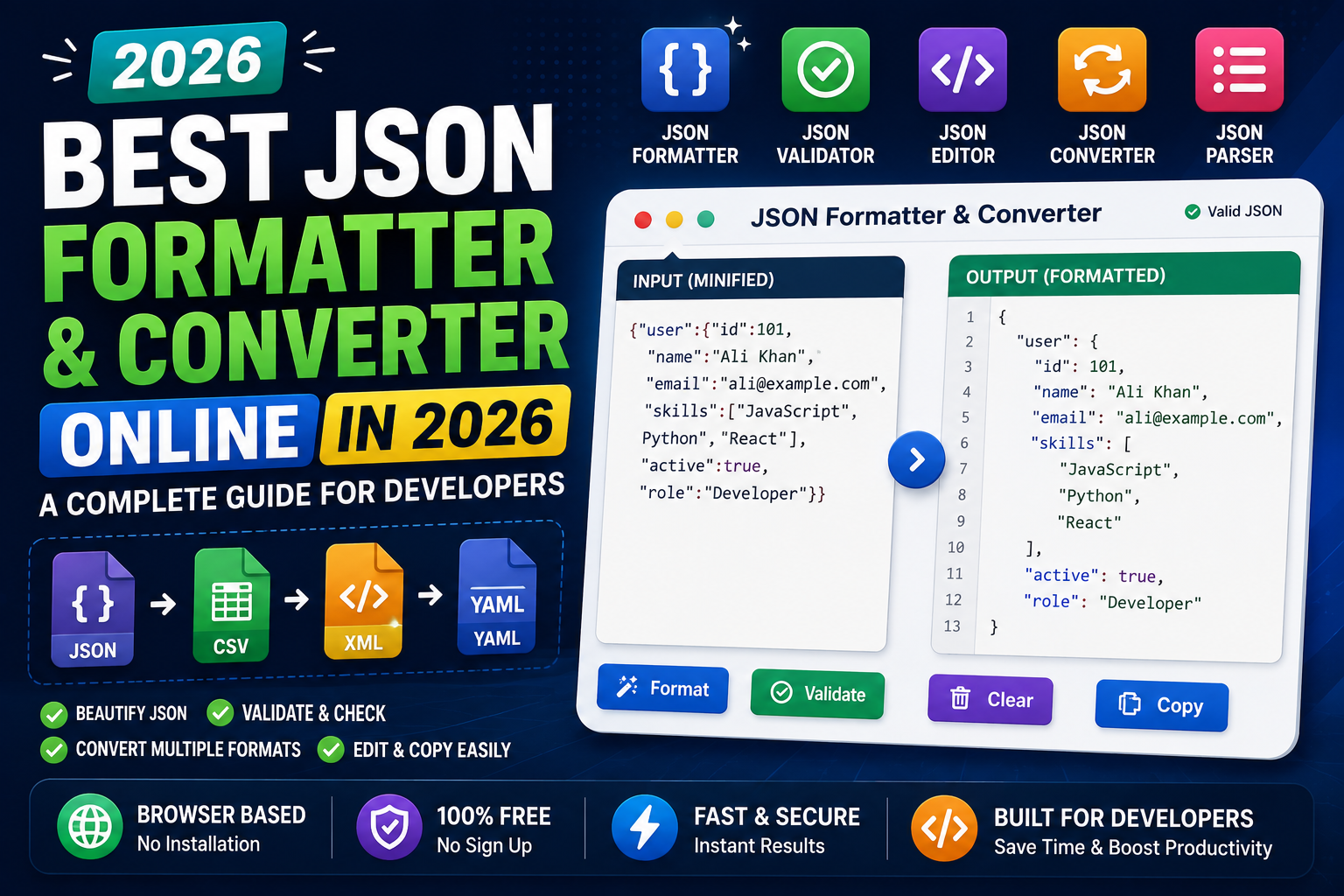
Whether you're building APIs, debugging applications, or working with configuration files, JSON is everywhere. Unfortunately, raw JSON isn't always easy to read, especially when it's compressed into a single line.
That's why every developer should have a reliable JSON formatter and converter online ready to use.
A good JSON formatter doesn't just improve readability—it also helps you validate data, detect syntax errors, convert formats, and troubleshoot APIs much faster.

What Is a JSON Formatter?
A JSON formatter automatically organizes JSON into a clean, readable structure by adding indentation and proper spacing.
Instead of this:
{"name":"Ali","age":25,"country":"Pakistan"}
You get:
{
  "name": "Ali",
  "age": 25,
  "country": "Pakistan"
}
This simple formatting makes debugging much easier.
What Does a JSON Converter Do?
A JSON converter helps transform JSON into other formats or convert structured data into JSON.
Common conversions include:
- JSON to CSV
- JSON to XML
- JSON to YAML
- CSV to JSON
- XML to JSON
These conversions are especially useful when integrating multiple systems or importing data into applications.
Why Developers Use JSON Beautifiers
A JSON beautifier formats messy JSON into a clean and readable layout.
Benefits include:
- Easier debugging
- Better collaboration
- Cleaner API responses
- Improved readability
- Faster troubleshooting
Large JSON files become much easier to understand after beautification.
Validate JSON Before Deployment
Formatting JSON isn't enough.
You should also verify that it's valid.
A JSON validator checks your data for:
- Missing commas
- Missing quotes
- Invalid brackets
- Incorrect nesting
- Invalid values
Running your data through a validator helps prevent runtime errors before they reach production.
JSON Parser Explained
A JSON parser reads JSON data and converts it into objects that applications can understand.
Whenever your application loads API data, configuration files, or external resources, a parser is usually working behind the scenes.
If the parser encounters invalid syntax, you'll receive an error explaining where the problem occurred.
JSON Formatting Best Practices
Good JSON formatting isn't only about appearance.
Follow these simple best practices:
- Use consistent indentation.
- Keep property names descriptive.
- Avoid duplicate keys.
- Validate JSON before sharing.
- Format large files before editing.
These habits make your projects easier to maintain.
Use a JSON Checker
A JSON checker combines formatting and validation into a single workflow.
Instead of manually inspecting every line, it instantly identifies problems such as:
- Missing commas
- Invalid brackets
- Incorrect quotation marks
- Unexpected characters
This can save hours of debugging when working with large API responses.
JSON Examples
Example object:
{
  "website": "TrendPro",
  "category": "Developer Tools",
  "active": true
}
Example array:
[
  {
    "id": 1,
    "tool": "JSON Formatter"
  },
  {
    "id": 2,
    "tool": "JSON Validator"
  }
]
Working with small JSON examples is one of the fastest ways to learn proper JSON structure.
Why Browser-Based JSON Tools Are So Popular
Modern developers increasingly rely on browser based utilities instead of installing desktop software.
Advantages include:
- No installation required
- Works on any device
- Fast formatting
- Instant validation
- Easy copy and paste
- Free to use
This makes online JSON tools ideal for students, developers, and technical teams.
Essential API Tools for Developers
When working with APIs, developers commonly use:
- JSON Formatter
- JSON Validator
- JSON Editor
- API Response Viewer
- HTTP Header Inspector
These API tools simplify debugging and improve development workflows.
JSON Editor vs JSON Formatter
A JSON editor allows you to modify JSON directly.
A JSON formatter focuses on organizing and displaying JSON clearly.
Many modern online JSON formatter tools combine both features, allowing you to edit, validate, and format JSON from a single interface.
Why Every Developer Should Bookmark Online JSON Tools
Reliable JSON utilities have become essential coding tools for modern development.
Whether you're building websites, debugging APIs, or managing configuration files, browser-based JSON utilities make development faster and less frustrating.
They've become an important part of every developer's toolkit and are valuable developer resources for beginners and professionals alike.
Final Thoughts
A quality JSON formatter and converter online is one of the most useful tools any developer can have.
Whether you need a JSON beautifier, JSON validator, JSON parser, or JSON converter, using browser-based utilities saves time while reducing errors.
If you're looking for the best free online tools website, a website with many useful tools, or an all in one productivity tools site, TrendPro offers developer utility tools online, free JSON tools, browser based utilities, online text utilities, free PDF and image tools online, JSON formatter and converter online, and many other practical resources for developers, students, creators, and professionals.