
Character Limits for Every Social Media Platform in 2026
Creating great content isn't just about writing something interesting—it's also about fitting within each platform's rules.
Every social network has its own social media character limits, and exceeding them can result in your post being truncated, your caption being shortened, or your message becoming less engaging.
Whether you're a creator, marketer, student, or business owner, knowing the latest limits can save time and improve your content.
Using a character counter or word counter before publishing is one of the easiest ways to avoid mistakes.
Why Character Limits Matter
Every platform displays content differently.
Some limit visibility after a certain number of characters, while others allow extremely long posts that few people actually read.
Keeping your content concise helps improve readability and engagement.
Many content creators use online text utilities to check their writing before publishing.
Twitter (X) Character Limit
The Twitter character limit for standard posts is 280 characters.
Premium subscribers may have access to much longer posts, but shorter posts generally perform better because they're easier to read and share.
For best engagement:
- Keep important information near the beginning.
- Avoid unnecessary hashtags.
- Use line breaks when appropriate.
Instagram Caption Limit
The Instagram caption limit is 2,200 characters.
Although Instagram allows long captions, most users only see the first few lines before tapping "More."
Tips for Instagram:
- Place your hook in the first sentence.
- Keep paragraphs short.
- Use relevant hashtags naturally.
Facebook Post Limit
The official Facebook post limit is over 60,000 characters.
However, shorter posts often receive more engagement because they're easier to consume on mobile devices.
For most audiences, aim for concise posts that quickly communicate your message.
LinkedIn Character Limit
The LinkedIn character limit for regular posts is 3,000 characters.
Professional audiences generally prefer structured posts with:
- Short paragraphs
- Clear headings
- Actionable advice
A well-formatted LinkedIn post is usually easier to read than one large block of text.
TikTok Caption Limit
The TikTok caption limit now allows much longer captions than in previous years.
This gives creators more room to include keywords, hashtags, and context for their videos.
Even so, shorter captions often perform better because they're easier for viewers to scan quickly.
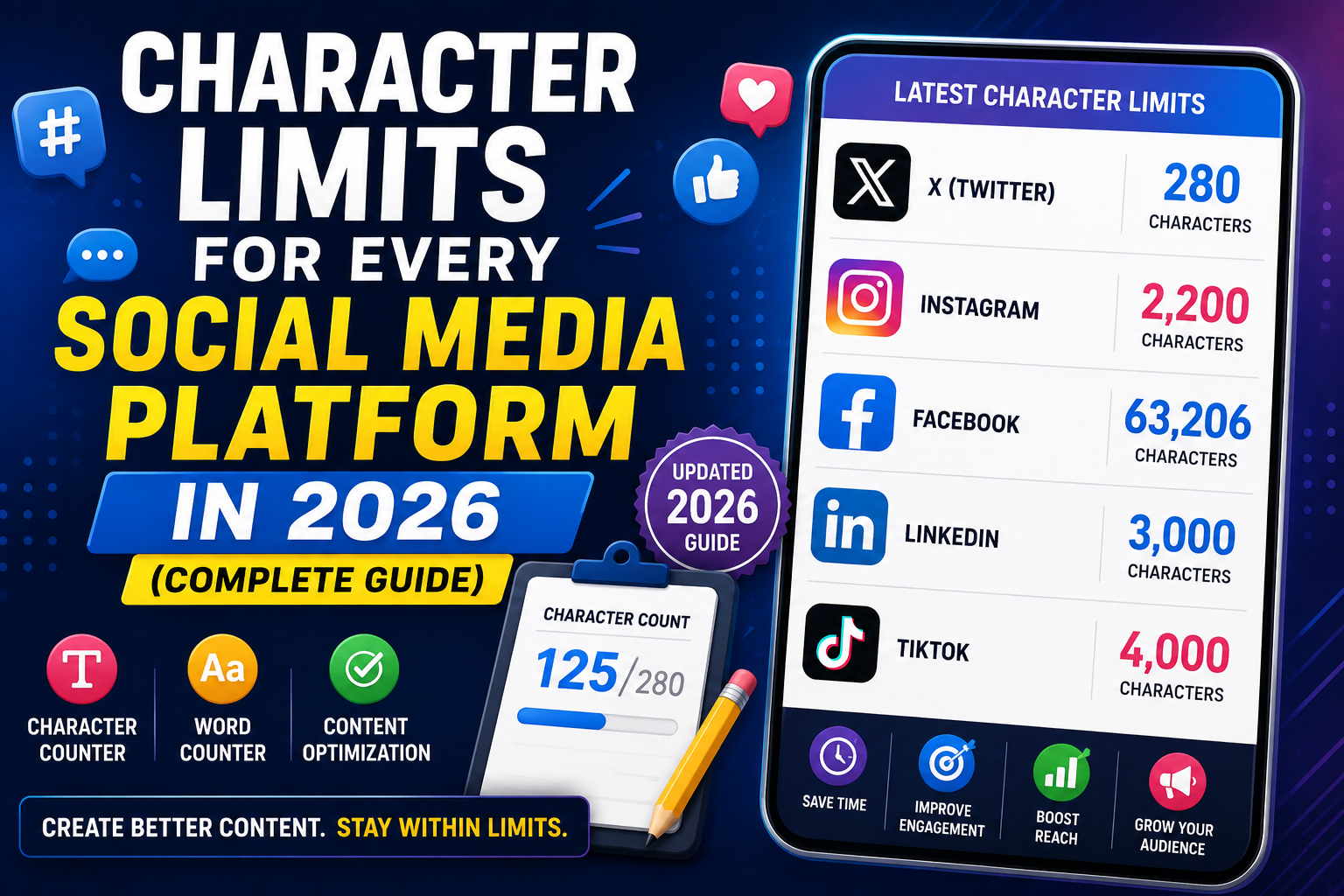
Character Limits Comparison
| Platform | Character Limit |
|---|---|
| X (Twitter) | 280 |
| 2,200 | |
| 63,206 | |
| 3,000 | |
| TikTok | 4,000 |
These values may change over time, so it's always worth checking platform updates.
Why Use a Character Counter?
A character counter instantly tells you:
- Total characters
- Characters with spaces
- Characters without spaces
- Word count
- Sentence count
Instead of manually checking every post, you know immediately whether your content fits the platform's requirements.
Word Counter vs Character Counter
Many people confuse these two tools.
A word counter counts individual words.
A character counter counts every letter, number, symbol, and space.
Both tools are useful depending on the platform you're publishing to.
Content Optimization Tips
Successful content creation isn't just about staying within limits.
It's also about making every character count.
Some simple content optimization strategies include:
- Remove unnecessary words.
- Use shorter sentences.
- Write clear headlines.
- Break long paragraphs.
- Focus on one main idea.
Small edits often make posts much easier to read.
Social Media Marketing Best Practices
If you're involved in social media marketing, consistency matters more than length.
A few useful habits include:
- Write for your audience.
- Keep posts easy to scan.
- Add a clear call to action.
- Review your character count before publishing.
- Test different post lengths to see what performs best.
These simple changes can improve engagement across multiple platforms.
Tools Every Creator Should Use
Modern creator tools make content production much easier.
Useful browser-based tools include:
- Character Counter
- Word Counter
- Text Case Converter
- Line Break Remover
- Hashtag Generator
These tools help speed up your workflow without installing software.
Final Thoughts
Understanding social media character limits helps you publish better content across every platform.
Whether you're checking the Twitter character limit, Instagram caption limit, Facebook post limit, LinkedIn character limit, or TikTok caption limit, using a reliable character counter ensures your posts stay within the recommended limits.
If you're looking for the best free online tools website, a website with many useful tools, or an all in one productivity tools site, TrendPro offers online tools without signup for creators, marketers, students, developers, and professionals.
You'll find online text utilities, character counter, word counter, free browser based utilities, developer utility tools online, free PDF and image tools online, JSON formatter and converter online, and many other tools that make content creation, digital marketing, and everyday productivity easier.