
Complete Guide to MIME Types
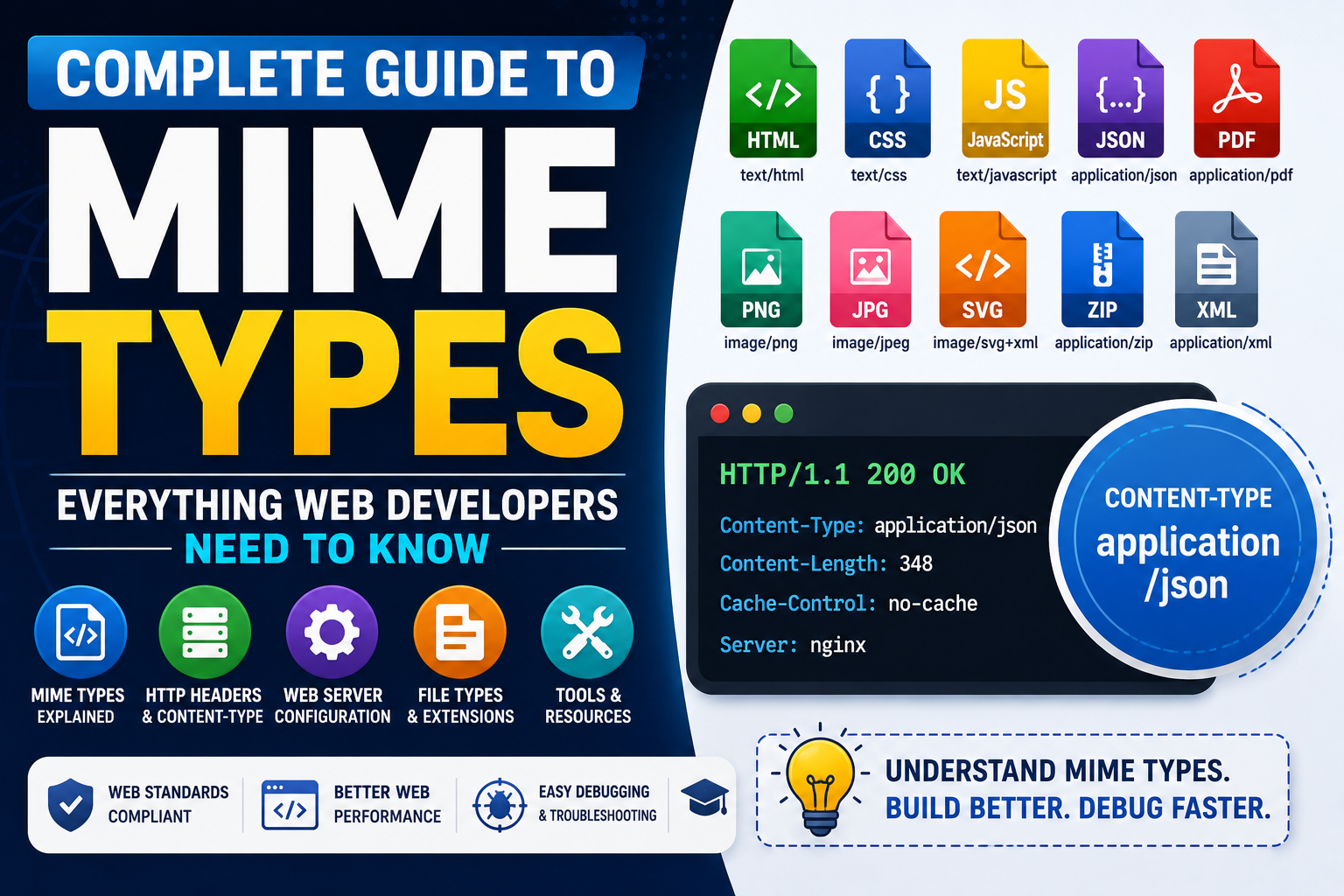
If you've ever uploaded a file to a website, built an API, configured a web server, or inspected HTTP headers in your browser, you've probably encountered MIME types.
Although most developers see them every day, many don't fully understand what they do or why they're important.
This guide explains MIME types, Content-Types, common file formats, HTTP headers, and how web servers use them to deliver the correct content to browsers.

What Are MIME Types?
A MIME type (Multipurpose Internet Mail Extensions) tells browsers and applications what kind of file is being sent.
Instead of guessing whether a file is HTML, JSON, an image, or a PDF, the server includes a MIME type in the HTTP response.
This value appears inside the Content-Type HTTP header.
For example:
Content-Type: text/html
This tells the browser to render the response as a web page instead of downloading it.
MIME Types vs Content Types
Many developers use the terms MIME types and Content Types interchangeably.
That's because the Content-Type HTTP header contains the MIME type.
Example:
Content-Type: application/json
Here:
- Content-Type = HTTP header
- application/json = MIME type
Both work together to tell browsers how the response should be handled.
Common MIME Type List
Here are some of the most common MIME types you'll encounter during web development.
| File Type | Extension | MIME Type |
|---|---|---|
| HTML | .html | text/html |
| CSS | .css | text/css |
| JavaScript | .js | text/javascript |
| JSON | .json | application/json |
| application/pdf | ||
| PNG | .png | image/png |
| JPEG | .jpg | image/jpeg |
| SVG | .svg | image/svg+xml |
| ZIP | .zip | application/zip |
| XML | .xml | application/xml |
| MP3 | .mp3 | audio/mpeg |
| MP4 | .mp4 | video/mp4 |
Learning this MIME type list makes debugging websites much easier.
Why MIME Types Matter
Browsers rely on MIME types to decide how to process files.
If the wrong MIME type is returned, problems can occur such as:
- Images not displaying
- CSS files being ignored
- JavaScript refusing to execute
- PDF files downloading instead of opening
- APIs returning parsing errors
Correct MIME types improve compatibility and user experience.
MIME Types and HTTP Headers
Every HTTP response contains headers.
One of the most important is:
Content-Type: application/json
Other common examples include:
Content-Type: text/css
Content-Type: image/png
Content-Type: application/pdf
Understanding HTTP headers is one of the core skills every web developer should learn.
MIME Types in Web Server Configuration
Whether you're using Apache, Nginx, Node.js, or another platform, proper web server configuration ensures files are served correctly.
For example:
- HTML pages use
text/html - Stylesheets use
text/css - JSON APIs use
application/json - Images use image MIME types
- Downloads use application MIME types
Incorrect configuration often leads to broken websites or browser warnings.
MIME Types and File Extensions
A file extension alone doesn't determine how browsers process files.
Instead, browsers trust the MIME type sent by the server.
For example, a file named:
report.pdf
should be served as:
application/pdf
Matching file extensions with the correct MIME type is considered a web development best practice.
Internet Media Types Explained
Another name for MIME types is Internet Media Types.
You'll find this terminology in official documentation, browser specifications, and developer references.
Whether someone says MIME type or Internet Media Type, they're referring to the same concept.
MIME Types in APIs
Modern APIs almost always exchange JSON.
A typical API response includes:
Content-Type: application/json
If this header is missing or incorrect, applications may fail to parse the response correctly.
This is why API developers pay close attention to MIME types.
Best Practices
When working with MIME types, follow these recommendations:
- Always return the correct Content-Type header.
- Verify MIME types during API testing.
- Match file extensions with appropriate MIME types.
- Configure your web server correctly.
- Test downloads in multiple browsers.
- Validate API responses before deployment.
These simple habits prevent many common web development issues.
Helpful Developer Tools
Many browser-based developer tools simplify working with MIME types.
Useful utilities include:
- HTTP Header Inspectors
- JSON Formatters
- API Testing Tools
- MIME Type Checkers
- File Header Viewers
These developer utility tools online save time by making it easy to inspect requests and responses without installing additional software.
Why Every Developer Should Learn MIME Types
Whether you're building websites, REST APIs, mobile applications, or browser extensions, understanding MIME types is essential.
They're part of everyday web technologies, appear throughout developer documentation, and are one of the most useful pieces of technical reference knowledge for debugging server responses.
Learning MIME types also helps you better understand HTTP, browser behavior, and modern web standards.
Final Thoughts
Understanding MIME types is one of the simplest ways to become a more effective web developer.
Once you know how Content Types, HTTP headers, and file types work together, troubleshooting browser issues becomes much easier.
If you're looking for the best free online tools website, a website with many useful tools, or an all in one productivity tools site, TrendPro offers online utilities, developer utility tools online, free browser based utilities, online text utilities, JSON formatter and converter online, free PDF and image tools online, and many other browser-based resources for developers, students, and professionals.