
How to Compress Images Without Losing Quality
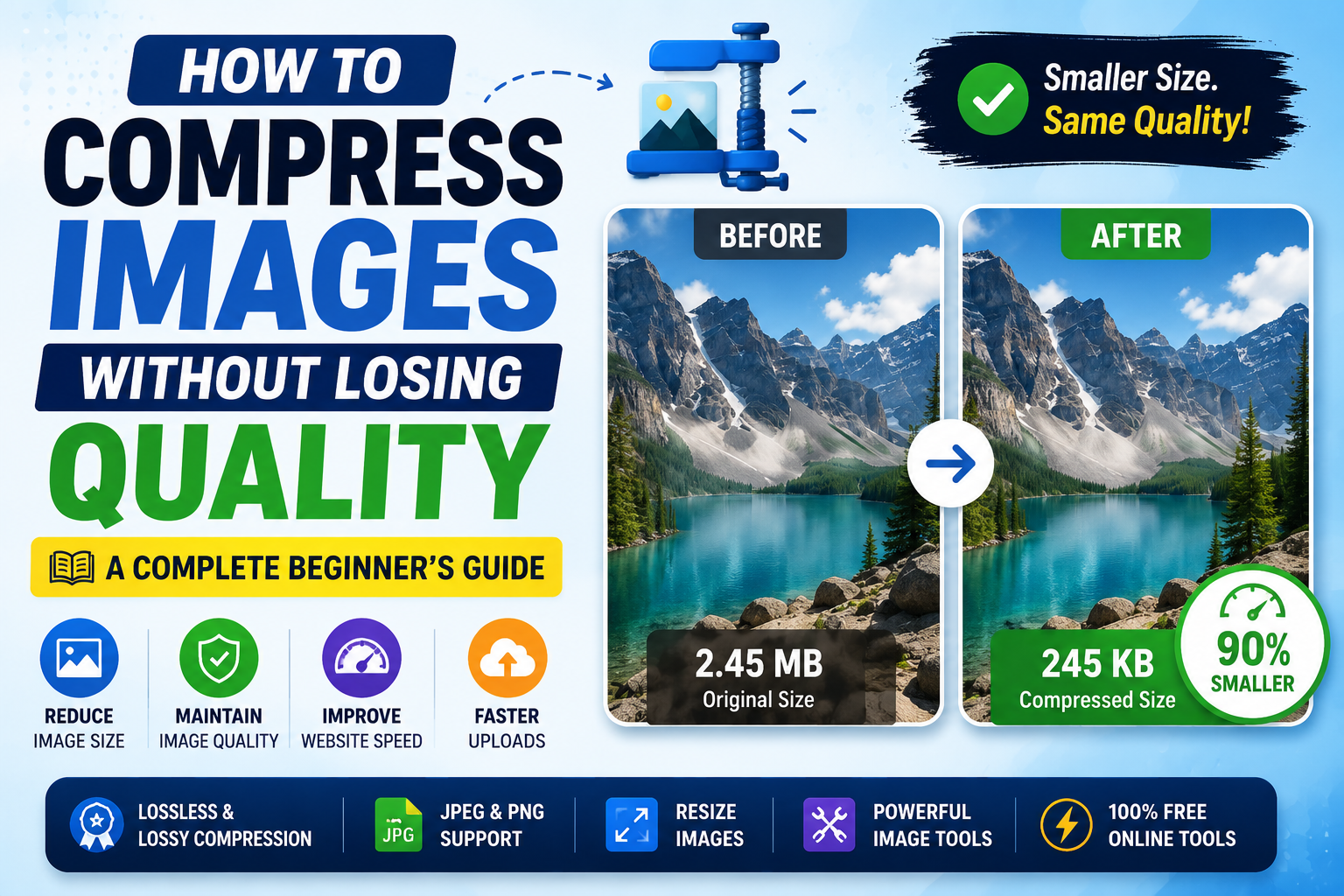
Large image files can slow down websites, take longer to upload, and consume unnecessary storage space.
Fortunately, you don't have to sacrifice quality to make your images smaller.
With a modern image compressor, you can compress images online in just a few seconds while keeping them sharp and clear.
Whether you're a blogger, student, designer, photographer, or website owner, learning proper image optimization can improve both user experience and web performance.
Why Compress Images?
Every image uploaded to a website affects loading speed.
A page filled with large photos takes longer to load, especially on mobile devices.
By choosing to reduce image size, you can:
- Improve page loading speed
- Save storage space
- Upload files faster
- Improve SEO performance
- Reduce bandwidth usage
- Create a better experience for visitors
This is why image compression has become one of the easiest ways to improve website speed optimization.
What Is an Image Compressor?
An image compressor reduces the file size of an image without noticeably affecting its appearance.
Modern free image compressor tools use intelligent algorithms that remove unnecessary data while preserving visual quality.
Many browser-based tools work entirely online, allowing you to compress files without installing software.
Lossy vs Lossless Compression
There are two common compression methods.
Lossless Compression
Lossless compression removes unnecessary information while keeping every pixel intact.
This method is ideal for:
- PNG graphics
- Logos
- Screenshots
- Icons
- Documents
The image looks exactly the same after compression.
Lossy Compression
Lossy compression removes some image data that most people cannot notice.
It's commonly used for:
- JPEG photos
- Social media images
- Website banners
- Product photos
The result is a much smaller file while maintaining excellent image quality.
JPEG Compression vs PNG Compression
Different image formats require different optimization methods.
JPEG Compression
JPEG compression works best for photographs and colorful images.
It can often reduce file sizes by 60–90% with little visible quality loss.
PNG Compression
PNG compression is ideal for transparent graphics, illustrations, and interface elements.
Although PNG files are usually larger than JPEGs, proper compression can still significantly reduce file size.
Choosing the correct format is an important part of image optimization.
How to Compress Images Online
Using an online compressor is simple.
- Upload your image.
- Choose your preferred compression level.
- Let the tool optimize the file.
- Preview the result.
- Download the compressed image.
Most online image tools complete the process in just a few seconds.
Resize Images Before Compressing
Sometimes compression alone isn't enough.
If your image is 5000 pixels wide but your website only displays it at 1200 pixels, you're storing unnecessary data.
Using a tool to resize images before compression often produces even better results.
Combining resizing with compression is one of the most effective image optimization guide techniques.
Image Compression for Creators
Content creators regularly upload images to:
- Blogs
- Online stores
- Social media
- Portfolios
- Newsletters
- Websites
Using professional creator tools helps keep uploads fast while maintaining high visual quality.
Smaller images also improve visitor experience across desktop and mobile devices.
Image Processing Best Practices
Good image processing doesn't stop at compression.
For the best results:
- Choose the correct file format.
- Resize large images.
- Compress before uploading.
- Keep original backups.
- Test image quality after compression.
These simple habits can dramatically improve your website's performance.
Why Image Optimization Improves SEO
Search engines consider page speed when ranking websites.
Proper image optimization reduces loading times and improves Core Web Vitals.
Smaller images also reduce server bandwidth and improve performance for users on slower internet connections.
If you're serious about SEO, compressing images should be part of your publishing workflow.
Free Browser-Based Image Tools
Today, you don't need expensive software to optimize images.
Modern free browser based utilities provide professional-quality results directly in your browser.
Popular online image tools include:
- Image Compressor
- Image Converter
- Image Resize Tool
- Image Optimizer
- JPEG Compressor
- PNG Compressor
These tools work instantly without installation, making them ideal for everyday use.
Final Thoughts
Learning how to compress images online without losing quality is one of the easiest ways to improve your website, blog, or online business.
Whether you're trying to reduce image size, improve web performance, or speed up uploads, a reliable free image compressor makes the process simple.
If you're looking for the best free online tools website, a website with many useful tools, or an all in one productivity tools site, TrendPro offers online tools without signup for creators, developers, students, and professionals.
You'll find free PDF and image tools online, image converter utilities, online text utilities, developer utility tools online, free browser based utilities, and many other productivity tools to help you work faster every day.