
How to Validate JSON Online for Free
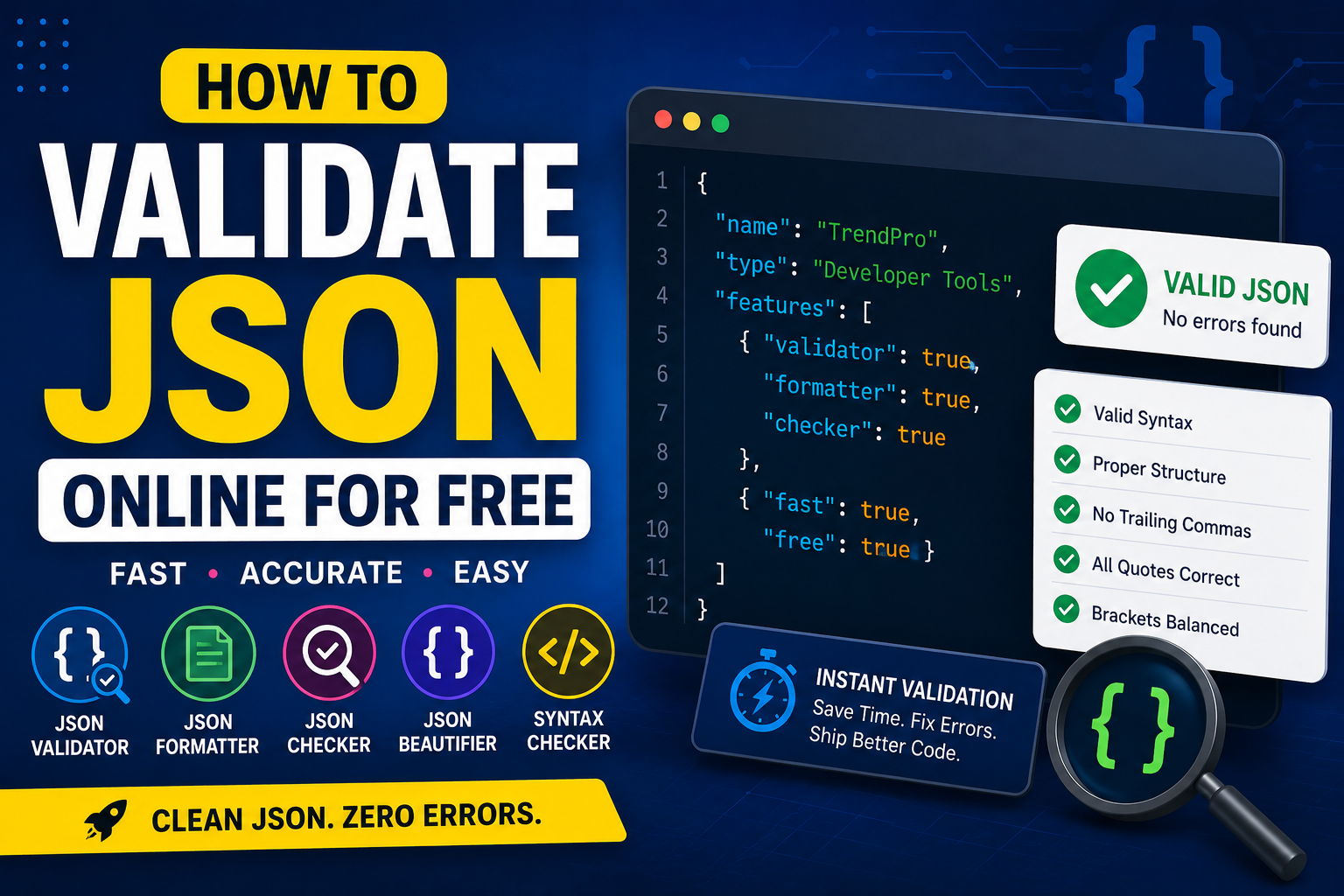
If you work with APIs, JavaScript, configuration files, or databases, you've probably needed to validate JSON online at some point.
Even a tiny formatting mistake can break an application, return API errors, or prevent data from loading correctly.
Fortunately, you don't need expensive software. A free JSON validator can instantly detect syntax problems and tell you exactly where they occur.
This guide explains how JSON validation works, common mistakes developers make, and the best practices for working with JSON.
What Does JSON Validation Mean?
JSON validation is the process of checking whether JSON data follows the official JSON specification.
A JSON validator examines your data and reports any formatting mistakes before your application attempts to read it.
Instead of discovering errors after deployment, validation lets you fix problems immediately.
Many developers combine a JSON checker with a JSON formatter to make troubleshooting even easier.
Why Validate JSON Online?
Using JSON online tools offers several advantages:
- No software installation
- Instant syntax checking
- Fast formatting
- Error highlighting
- Works on any device
- Completely browser-based
Whether you're a beginner or an experienced developer, validating JSON before using it can save a lot of debugging time.
Example of Valid JSON
A correctly formatted JSON object looks like this:
{
  "name": "TrendPro",
  "category": "Developer Tools",
  "active": true
}
Notice that:
- Property names use double quotes.
- Each property is separated by a comma.
- The last property does not end with a comma.
These simple rules prevent many common JSON errors.
What Does a JSON Validator Check?
A good JSON validation tool checks for:
- Missing commas
- Missing quotation marks
- Invalid brackets
- Unexpected characters
- Trailing commas
- Incorrect nesting
If an error exists, the validator usually reports the exact line number where the issue begins.
Format JSON Before Debugging
Reading compact JSON can be difficult.
A JSON formatter automatically adds indentation and proper spacing, making the structure much easier to understand.
Many developers also use a JSON beautifier before debugging because neatly formatted JSON makes missing commas and brackets much easier to spot.
Formatting doesn't change your data—it simply improves readability.
JSON Syntax Checker
A JSON syntax checker focuses specifically on the correctness of your JSON.
Unlike a formatter, it verifies whether every character follows the JSON specification.
This is especially useful when editing configuration files or copying API responses.
Running a syntax check before deployment helps prevent production issues.
JSON Parser Explained
A JSON parser converts JSON text into objects that programming languages can understand.
If the parser encounters invalid syntax, it immediately stops and returns an error.
That's why validating JSON first is considered one of the simplest ways to avoid runtime problems.
API Testing and JSON
Most modern APIs send and receive JSON.
During API testing, developers often validate responses to ensure the returned data is correctly formatted.
Even one missing quote or comma can cause an API request to fail.
Combining a validator with a formatter makes API debugging much faster.
JSON Validation Examples
Here are some common validation scenarios:
- Checking API responses
- Validating configuration files
- Testing exported data
- Debugging JavaScript applications
- Verifying JSON before database imports
These JSON validation examples demonstrate why validation should be part of every development workflow.
JSON Best Practices
Following a few simple JSON best practices can prevent most formatting problems:
- Always use double quotes.
- Never leave trailing commas.
- Keep indentation consistent.
- Validate JSON before deployment.
- Format JSON for better readability.
- Test API responses regularly.
Developers who follow these habits spend far less time fixing syntax issues.
Best Online JSON Tools
Modern online JSON tools make development much easier.
Useful tools include:
- JSON Validator
- JSON Formatter
- JSON Beautifier
- JSON Checker
- JSON Parser
- JSON Syntax Checker
Together, these tools simplify validation, formatting, debugging, and testing.
Essential Developer Tools
Reliable developer tools help you write cleaner code and solve problems faster.
If you're building websites or applications, browser-based web development tools eliminate the need for installing extra software.
Many developers also rely on developer utility tools online because they're fast, accessible, and work from any device.
Final Thoughts
Learning how to validate JSON online is one of the easiest ways to reduce debugging time and improve code quality.
Using a reliable free JSON validator, JSON checker, or JSON formatter and converter online helps identify problems before they reach production.
Whether you're working with APIs, configuration files, or JavaScript applications, validating and formatting JSON should become part of your daily workflow.
If you're looking for the best free online tools website, a website with many useful tools, or an all in one productivity tools site, TrendPro offers online tools without signup for developers, students, and professionals.
You'll find developer utility tools online, a JSON formatter and converter online, free browser based utilities, free PDF and image tools online, online text utilities, and a growing collection of free SEO tools website resources. It's also one of the practical alternatives to SmallSEOTools, making it a useful website for daily use tools, a best toolkit website for students, and a collection of free web tools for creators.