
HTTP Status Codes Explained for Beginners
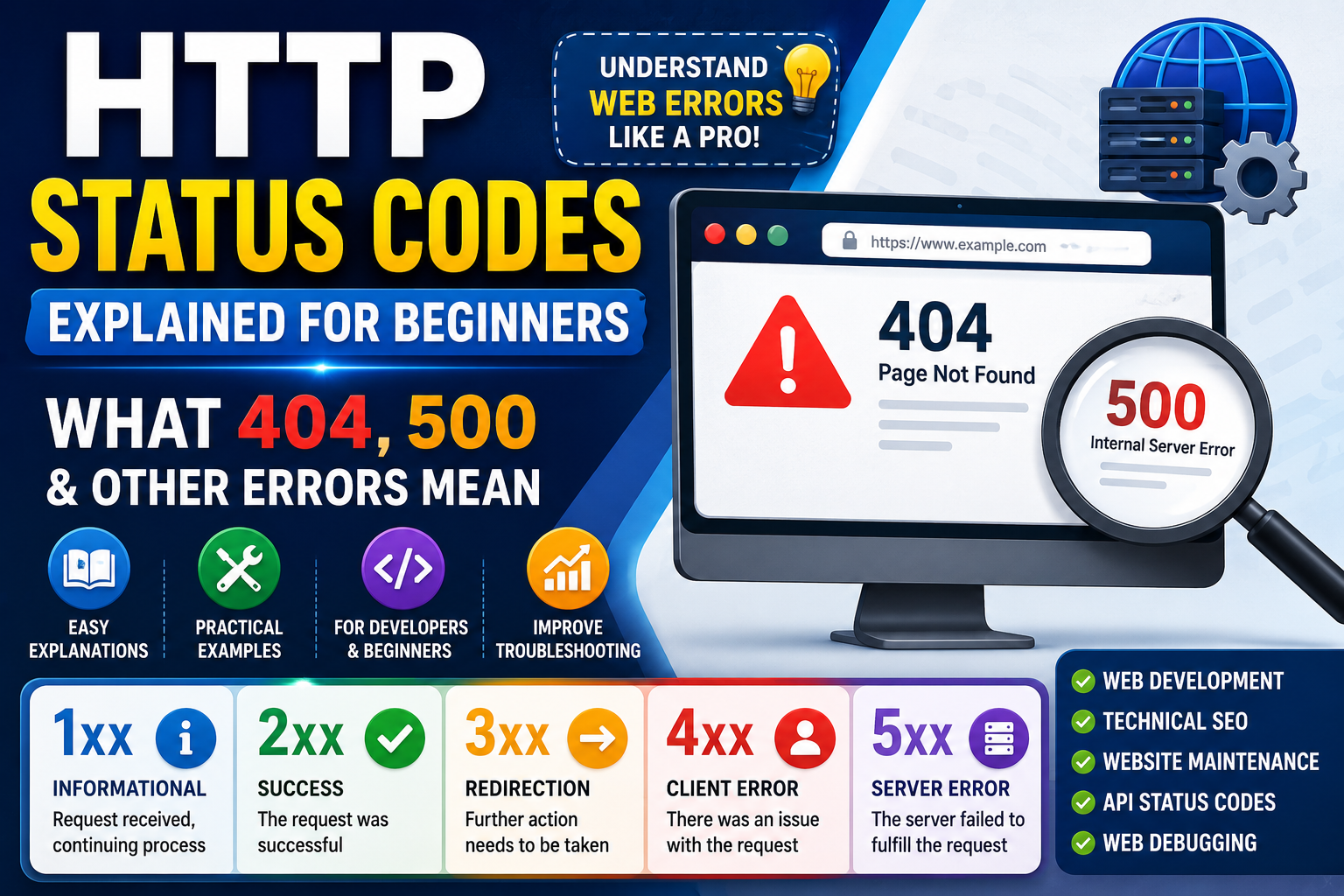
If you've ever visited a website and seen a 404 error, 500 error, or another unexpected message, you've encountered an HTTP status code.
These codes are sent by a web server to tell your browser whether a request was successful or if something went wrong.
Understanding HTTP status codes is useful for website owners, developers, SEO professionals, and anyone interested in web development.
What Are HTTP Status Codes?
HTTP response codes are three-digit numbers returned by a web server whenever your browser or an application requests a web page, image, API endpoint, or other online resource.
Each code belongs to a specific category that describes the result of the request.
The five categories are:
- 1xx – Informational responses
- 2xx – Successful responses
- 3xx – Redirection messages
- 4xx – Client errors
- 5xx – Server errors
Learning these categories makes website troubleshooting much easier.
1xx – Informational Responses
These status codes indicate that the request has been received and the server is continuing to process it.
Examples include:
- 100 Continue
- 101 Switching Protocols
Most website visitors never notice these responses because they happen in the background.
2xx – Successful Responses
A 2xx status code means everything worked correctly.
The most common example is:
- 200 OK – The requested page or resource loaded successfully.
Other examples include:
- 201 Created
- 204 No Content
These are the responses every website owner hopes to see.
3xx – Redirection Responses
A 3xx code tells the browser that the requested page has moved.
Common examples include:
- 301 Moved Permanently
- 302 Found
- 304 Not Modified
These redirects are especially important for technical SEO because they help preserve search engine rankings when URLs change.
4xx – Client Errors
A 4xx code means the problem is usually on the user's side.
The most common HTTP errors include:
400 Bad Request
The browser sent an invalid request.
401 Unauthorized
Authentication is required before accessing the resource.
403 Forbidden
The server understands the request but refuses access.
404 Error
The famous 404 error means the requested page cannot be found.
This usually happens because:
- The URL was typed incorrectly.
- The page was deleted.
- The link is outdated.
- The page was moved without a redirect.
Broken links can negatively affect both user experience and SEO.
5xx – Server Errors
Unlike 4xx errors, server errors indicate that the website itself has a problem.
The most common example is the 500 error.
500 Internal Server Error
A 500 error means the server encountered an unexpected problem while processing the request.
Possible causes include:
- Server misconfiguration
- Software bugs
- Database connection issues
- Plugin or application errors
Other common server responses include:
- 502 Bad Gateway
- 503 Service Unavailable
- 504 Gateway Timeout
These errors usually require the website administrator to investigate.
Why HTTP Status Codes Matter
Understanding HTTP status codes helps you quickly identify why a website or application isn't working correctly.
They're useful for:
- Website owners
- Developers
- SEO specialists
- System administrators
- Digital marketers
Knowing the difference between a 404 error and a 500 error can save hours of troubleshooting.
HTTP Status Codes in APIs
Modern applications constantly communicate through APIs.
Every API request returns an API status code that tells the application what happened.
For example:
- 200 – Request succeeded.
- 201 – Resource created.
- 400 – Invalid request.
- 401 – Authentication required.
- 404 – Resource not found.
- 500 – Server error.
Understanding API status codes is an essential part of modern web development.
Website Troubleshooting Tips
If your website isn't working correctly, checking the status code should be one of the first steps.
A simple troubleshooting process is:
- Check the HTTP response.
- Identify the status code.
- Review server logs.
- Verify redirects.
- Test again after making changes.
This approach makes website troubleshooting much faster.
Web Debugging Best Practices
Successful web debugging often starts with understanding what the server is telling you.
Some helpful practices include:
- Test pages after updates.
- Monitor broken links regularly.
- Review redirect chains.
- Check server logs.
- Validate API responses.
Small issues are easier to fix before they become larger problems.
Tools That Help Developers
Modern developer tools make diagnosing HTTP problems much easier.
Useful browser-based utilities include:
- HTTP Header Checker
- DNS Lookup
- IP Address Checker
- JSON Formatter
- URL Encoder
These developer utility tools online help identify configuration issues without installing software.
Final Thoughts
Learning HTTP status codes is one of the best ways to understand how websites communicate with browsers.
Whether you're investigating a 404 error, fixing a 500 error, improving technical SEO, or building APIs, understanding HTTP response codes makes debugging much easier.
If you're looking for the best free online tools website, a website with many useful tools, or an all in one productivity tools site, TrendPro offers online tools without signup for developers, students, marketers, and professionals.
You'll find developer utility tools online, online text utilities, JSON formatter and converter online, free browser based utilities, free PDF and image tools online, and many other resources that simplify web development, website maintenance, coding tools, and everyday productivity.