
JSON Parse Error Explained: Common Causes and Fixes
If you've worked with APIs, JavaScript applications, or configuration files, you've probably encountered a JSON parse error at least once.
Although the error message can seem confusing, the problem is usually caused by a small mistake in your JSON structure.
The good news is that most JSON error fix solutions take only a few seconds once you know what to look for.
This guide explains the most common causes of JSON parsing errors and how to fix them using free online tools.
What Is a JSON Parse Error?
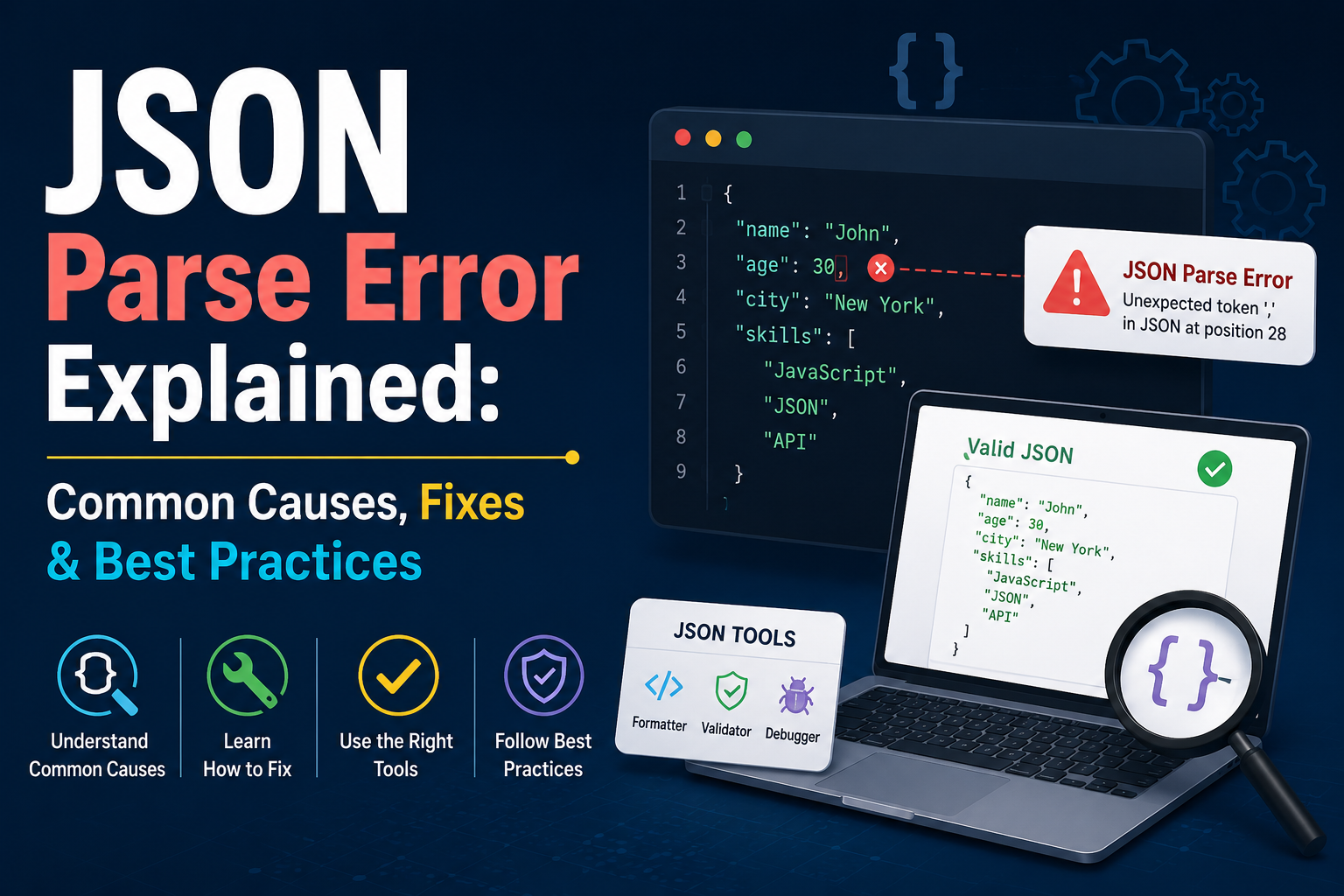
A JSON parse error happens when a program tries to read JSON data but finds something that doesn't follow the official JSON format.
Instead of loading the data successfully, the JSON parser stops and returns an error.
Common examples include:
- Missing commas
- Extra commas
- Missing quotation marks
- Incorrect brackets
- Invalid values
Fortunately, these mistakes are easy to detect using a JSON validator or JSON syntax checker.
Example of Invalid JSON
Here's an example of invalid JSON:
{
  "name": "John"
  "age": 30
}
The comma after "John" is missing.
Correct version:
{
  "name": "John",
  "age": 30
}
Even a single missing comma causes a JSON parse error.
Common Causes of JSON Parse Errors
Most developers encounter the same mistakes repeatedly.
1. Missing Commas
Every property in a JSON object must be separated by a comma.
Incorrect:
{
  "name": "John"
  "age": 30
}
Correct:
{
  "name": "John",
  "age": 30
}
2. Trailing Commas
JSON does not allow commas after the last property.
Incorrect:
{
  "city": "London",
}
Correct:
{
  "city": "London"
}
3. Missing Quotes
Property names must always use double quotes.
Incorrect:
{
  name: "Ali"
}
Correct:
{
  "name": "Ali"
}
4. Incorrect Brackets
JSON objects use curly braces {} while arrays use square brackets [].
Incorrect:
{
  "users": {
    "id": 1
  ]
}
Correct:
{
  "users": [
    {
      "id": 1
    }
  ]
}
Mixing brackets or forgetting to close them properly is one of the most common causes of JSON parse errors.
Use a JSON Formatter
A JSON formatter automatically organizes your JSON into a readable structure.
Instead of looking through one long line of text, formatting your JSON makes missing commas, brackets, and quotation marks much easier to spot.
Many developers use a JSON beautifier immediately after copying API responses.
Validate Before Using JSON
Before uploading or sending JSON data, run it through a JSON validator.
A good validator performs complete JSON validation and highlights the exact line where the error occurs.
Using a validator can save hours of unnecessary debugging.
JSON Syntax Checker
A JSON syntax checker verifies that your JSON follows the official specification.
Unlike a formatter, it doesn't just make the data look better—it confirms whether the syntax is actually valid.
This is especially useful when editing configuration files manually.
JSON Debugging Tips
Effective JSON debugging usually follows a simple process:
- Format the JSON.
- Validate the syntax.
- Locate the reported line.
- Check nearby commas and brackets.
- Test again.
Most parsing problems are solved within minutes using this workflow.
API Debugging
Many API debugging problems are actually JSON problems.
If an API suddenly returns an error like:
- Unexpected token
- Unexpected end of JSON input
- Invalid character
- Cannot parse response
the issue often comes from malformed JSON returned by the server.
Checking the response with a JSON checker quickly identifies the problem.
JSON Examples
A simple JSON object:
{
  "name": "TrendPro",
  "category": "Developer Tools",
  "active": true
}
An array example:
[
  {
    "id": 1,
    "name": "JSON Formatter"
  },
  {
    "id": 2,
    "name": "JSON Validator"
  }
]
Studying small JSON examples makes it easier to understand larger API responses.
Best Free JSON Tools
Modern developers rely on browser-based JSON tools every day.
Some of the most useful include:
- JSON Formatter
- JSON Beautifier
- JSON Validator
- JSON Syntax Checker
- JSON Checker
These free JSON tools eliminate manual formatting and help detect errors instantly.
Why Web Developers Use Browser-Based Tools
Today's web developer tools go far beyond browser DevTools.
Many developers prefer browser-based utilities because they work instantly without installation.
If you're looking for developer utility tools online, you'll find JSON formatters, validators, converters, and many other productivity tools that simplify everyday development.
Final Thoughts
A JSON parse error may seem frustrating at first, but it's almost always caused by a small syntax mistake.
Using a reliable JSON online formatter, JSON formatting tool, or JSON validator makes JSON troubleshooting much faster.
Whether you're working with APIs, configuration files, or JavaScript applications, validating your JSON before deployment can save hours of debugging.
If you're looking for the best free online tools website, a website with many useful tools, or an all in one productivity tools site, TrendPro offers online tools without signup for developers, students, and professionals.
You'll find developer utility tools online, a JSON formatter and converter online, free browser based utilities, free PDF and image tools online, online text utilities, and a growing collection of free SEO tools website resources. It's also one of the practical alternatives to SmallSEOTools, making it a useful website for daily use tools, a best toolkit website for students, and a collection of free web tools for creators.