
PDF Merger vs PDF Combiner: Which Should You Use?
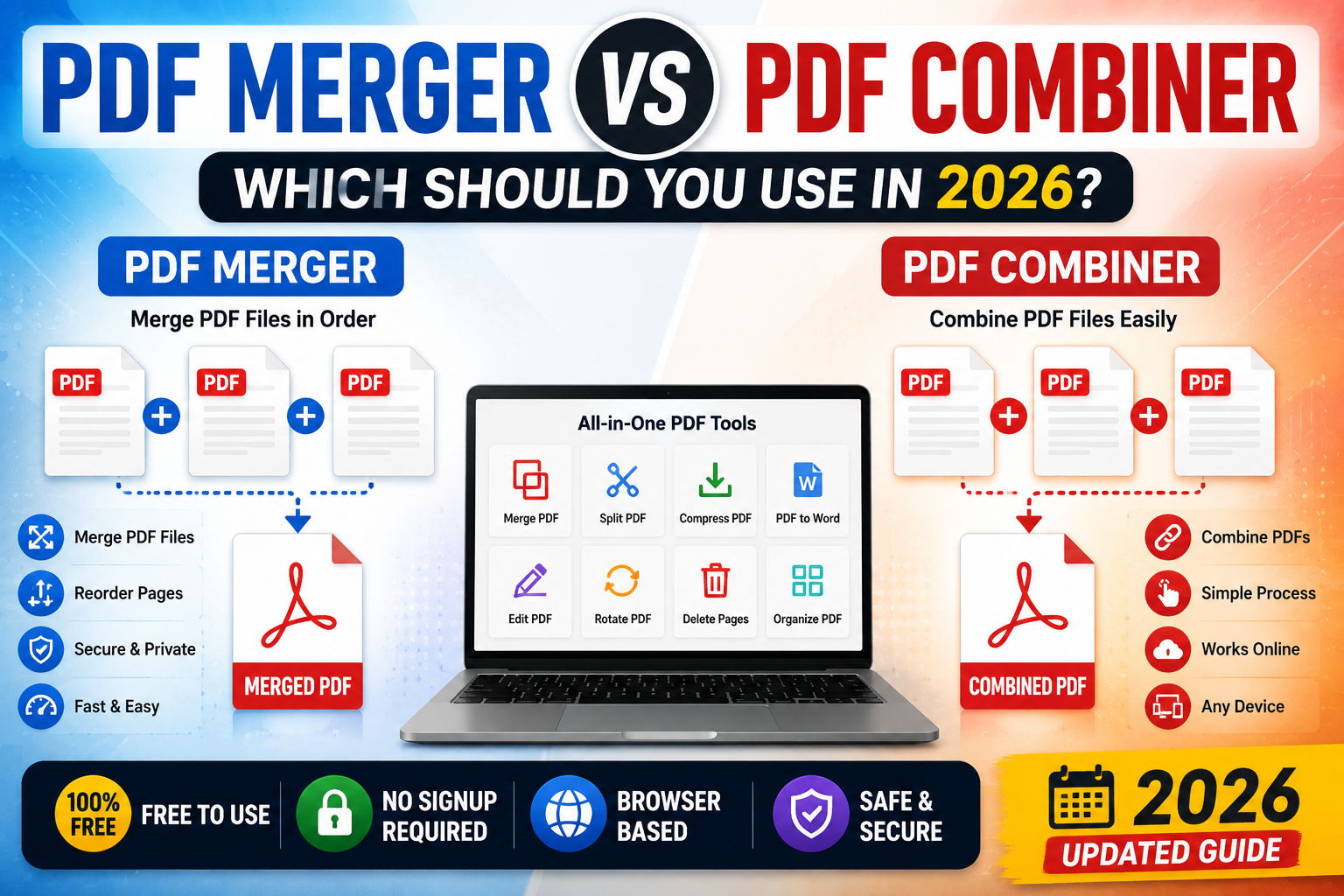
If you've ever searched for a tool to join multiple PDF files together, you've probably seen two different terms: PDF merger and PDF combiner.
At first glance, they appear to be different tools.
In reality, they usually perform the same task.
Whether a website calls it a PDF merger or a PDF combiner, the goal is simple—combine multiple PDF documents into one organized file.
This guide explains the differences, when to use each tool, and how to choose the best option for your workflow.
Is There a Difference Between a PDF Merger and a PDF Combiner?
For most users, the answer is no.
Both tools allow you to:
- Merge PDF files
- Rearrange document order
- Create one downloadable PDF
- Simplify document sharing
Some websites use "Merge PDF" while others prefer "Combine PDF Online," but both terms describe the same process.
Why Merge PDF Files?
Managing several PDF documents separately can become frustrating.
Instead of sending multiple attachments, you can merge everything into a single file.
People commonly merge PDFs for:
- Business reports
- School assignments
- Legal documents
- Contracts
- Invoices
- Portfolios
- Project documentation
Using a free PDF merger keeps your files organized and easier to share.
Benefits of Combining PDFs
Choosing to combine PDF online offers several advantages.
Better Document Management
Keeping related documents together reduces confusion and improves document management.
Instead of searching through multiple files, everything is stored in one place.
Easier File Sharing
One PDF is much easier to email than six separate attachments.
Recipients also appreciate receiving a single organized document.
Improved Productivity
Using browser-based PDF tools saves time compared to manually managing files.
This improves overall PDF productivity, especially for businesses and students.
How a PDF Merger Works
Modern online PDF tools make the process incredibly simple.
- Upload your PDF files.
- Arrange them in the correct order.
- Click Merge.
- Download the combined PDF.
The entire process usually takes less than a minute.
Organize Before You Merge
A good PDF organizer allows you to rearrange pages before combining files.
For example, you might want:
- Cover page first
- Contract second
- Supporting documents last
Organizing files beforehand creates a cleaner final document.
When Should You Merge Documents?
There are many situations where it's useful to merge documents.
Examples include:
- Combining monthly reports
- Creating project documentation
- Building digital portfolios
- Sending application documents
- Preparing meeting materials
Instead of attaching multiple files, one organized PDF looks far more professional.
Browser-Based PDF Utilities
Today's browser based utilities eliminate the need to install software.
Modern PDF utility websites work directly in your browser, allowing you to merge documents from any device.
This makes them perfect for:
- Windows
- macOS
- Linux
- Android
- iPhone
- Tablets
No installation or account creation is required.
PDF Software Alternative
Many desktop PDF editors require expensive subscriptions.
Fortunately, browser-based tools provide many essential features for free.
If you only need to merge documents occasionally, a PDF software alternative can save both time and money.
For everyday users, online utilities often provide everything needed without complicated software.
Improving Your PDF Workflow
A smooth PDF workflow helps you stay organized.
Some useful habits include:
- Name files clearly before merging.
- Arrange pages in logical order.
- Compress large PDFs after merging.
- Keep an original backup.
- Review the final document before sharing.
These small steps make document handling much more efficient.
Choosing the Best PDF Tools
When selecting PDF tools, look for features like:
- Fast processing
- Secure uploads
- Simple interface
- High-quality output
- Cross-device compatibility
- No unnecessary registration
Reliable tools help you complete tasks quickly without sacrificing quality.
Final Thoughts
Whether you search for a PDF merger or a PDF combiner, you're generally looking for the same solution.
Both let you merge PDF files, simplify document management, and improve your PDF workflow.
If you're looking for the best free online tools website, a website with many useful tools, or an all in one productivity tools site, TrendPro offers online tools without signup for students, professionals, developers, and creators.
You'll find free PDF and image tools online, powerful document tools, developer utility tools online, online text utilities, free browser based utilities, and many other productivity resources that help you work faster every day.