
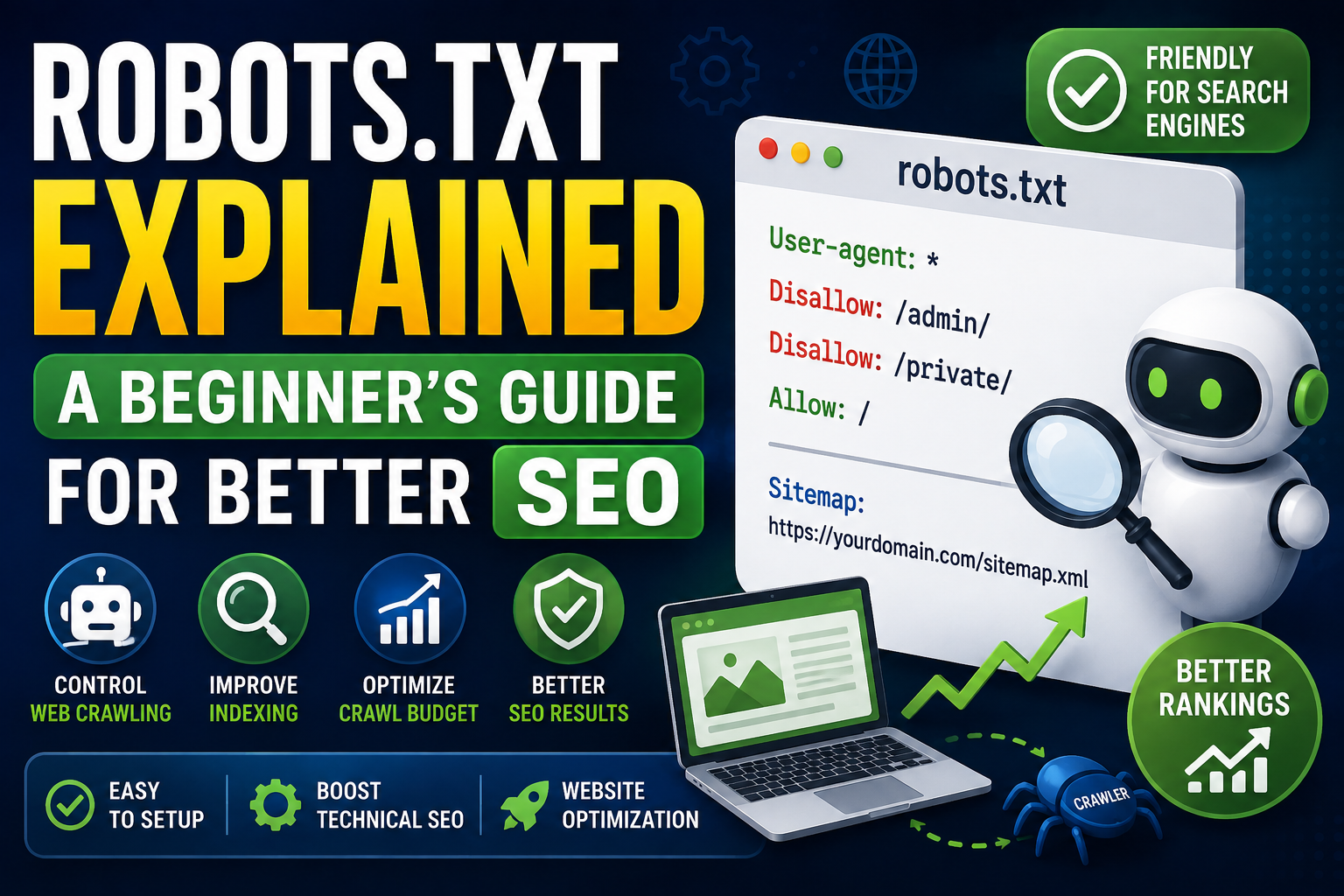
If you own a website, you've probably seen a file called robots.txt.
It is a small text file, but it can have an important role in technical SEO, website crawling, and how search engine bots interact with your site.
A properly configured robots.txt file can help communicate which areas of your website crawlers should or should not request.
However, robots.txt is frequently misunderstood.
It does not directly tell Google which pages to index, and it should not be treated as a security mechanism.
In this guide, you'll learn what robots.txt is, how it works, how Googlebot reads it, common mistakes to avoid, and how to create useful robots.txt examples for different types of websites.
What Is robots.txt?
robots.txt is a plain text file placed in the root directory of a website.
For example:
https://example.com/robots.txt
The file contains instructions for automated crawlers, commonly called bots or spiders.
These instructions can tell specific crawlers which URL paths they are allowed or disallowed from crawling.
A very simple robots.txt file looks like this:
User-agent: *
Disallow:
The User-agent: * line applies the rule to all crawlers, while an empty Disallow: means that no paths are blocked by that rule.
Why Is robots.txt Important for SEO?
Search engines need to crawl websites before they can understand their content.
A website may contain thousands of URLs, including pages that aren't useful for search engines.
Examples include:
- Internal search results
- Temporary URLs
- Certain administrative paths
- Duplicate URL variations
- Private application areas
- Development resources
A robots file can help manage crawler access to selected parts of a website.
This makes robots.txt a useful part of search engine optimization, particularly for larger or technically complex websites.
How Does robots.txt Work?
When a crawler visits a website, it can request the site's robots.txt file before crawling URLs.
For example:
User-agent: *
Disallow: /admin/
Disallow: /private/
This tells compliant crawlers not to crawl URLs under those paths.
The crawler then follows the applicable rules when deciding which URLs to request.
The important word here is crawl.
Robots.txt primarily controls crawler access. It is not a general page-indexing control mechanism.
What Is a User-Agent?
The User-agent directive identifies which crawler a rule applies to.
For example:
User-agent: Googlebot
Disallow: /private/
This rule specifically targets Google's main web crawler.
You can also use:
User-agent: *
Disallow: /private/
The asterisk means the rule applies to all crawlers that follow robots.txt rules.
What Is Googlebot?
Googlebot is the name used for Google's web crawling systems.
Google operates different crawlers for different purposes, but Googlebot is the crawler most website owners encounter when discussing Google Search.
If your robots.txt file blocks Googlebot from crawling an important page, Google may not be able to access the page's content through crawling.
This is why robots.txt configuration should be tested carefully before deployment.
Basic robots.txt Example
Here is a simple robots.txt example:
User-agent: *
Disallow:
This does not disallow any paths.
Another example:
User-agent: *
Disallow: /admin/
Disallow: /private/
This asks compliant crawlers not to crawl URLs beginning with those paths.
Blocking a Specific Directory
Suppose your website has an internal dashboard at:
/admin/
You could use:
User-agent: *
Disallow: /admin/
This is useful when you don't want search engine crawlers requesting URLs within that directory.
However, don't assume that putting a path in robots.txt makes it completely invisible to search engines.
Blocking a Specific Page
You can also disallow a specific URL path.
For example:
User-agent: *
Disallow: /temporary-page.html
This tells compliant crawlers not to crawl that URL.
If your actual goal is to prevent a page from appearing in search results, robots.txt is generally not the correct tool.
robots.txt Does Not Mean "Do Not Index"
This is one of the most important robots.txt concepts.
Robots.txt controls crawling, not guaranteed indexing removal.
A URL blocked by robots.txt can potentially still appear in search results if a search engine discovers the URL through other signals.
If you need a page to be crawled but not indexed, a suitable method is generally a noindex directive, such as a robots meta tag or HTTP header, rather than blocking the page in robots.txt.
The crawler needs to be able to access the page to see that noindex instruction.
Therefore, these two goals are different:
- Don't crawl this URL: robots.txt
- Don't index this page: appropriate noindex mechanism
Don't use robots.txt as a substitute for noindex.
robots.txt and Crawl Budget
Large websites sometimes have thousands, millions, or even more URLs.
Search engines have limited resources for crawling websites, which is where the concept of crawl budget becomes relevant.
A well-designed robots.txt file can prevent crawlers from wasting requests on areas that don't need crawling.
For example, a large website might choose to restrict crawling of certain low-value URL patterns.
However, simply adding many Disallow rules does not automatically improve SEO.
The goal should be to manage crawler access intelligently, not to block as many URLs as possible.
What Is Website Crawling?
Website crawling is the process of automated systems discovering and requesting web pages.
Search engines use crawlers to discover content, follow links, retrieve resources, and gather information that can later be processed for search.
A crawler can discover URLs through:
- Internal links
- External links
- XML sitemaps
- Previously known URLs
- Other discovery mechanisms
robots.txt is one part of this process because it communicates crawler access preferences.
robots.txt and Website Indexing
Crawling and indexing are different stages.
A simplified process looks like this:
- A search engine discovers a URL.
- The crawler determines whether it can crawl the URL.
- The page is requested if crawling is allowed.
- The search engine processes the content.
- The URL may be considered for indexing.
This is why a robots.txt file should not be viewed as an indexing switch.
If you accidentally block an important page, search engines may have difficulty accessing its content.
Adding a Sitemap to robots.txt
You can include your XML sitemap location in robots.txt.
For example:
User-agent: *
Disallow:

Sitemap: https://example.com/sitemap.xml
The sitemap helps search engines discover important URLs.
The Sitemap directive does not replace proper internal linking or sitemap submission, but including the sitemap URL in robots.txt is a useful additional discovery signal.
Should You Block CSS and JavaScript?
In most modern websites, you should be careful about blocking important CSS, JavaScript, images, or other resources.
Search engines may need access to resources to properly understand and render pages.
For example, a rule such as:
User-agent: *
Disallow: /css/
Disallow: /js/
could interfere with resources required by your website.
Don't block an entire asset directory unless you have a specific technical reason and understand the consequences.
Common robots.txt Mistakes
Many robots.txt problems are caused by simple configuration mistakes.
1. Blocking the Entire Website
This is one of the most dangerous mistakes:
User-agent: *
Disallow: /
The slash means the entire site is disallowed for the targeted crawlers.
If you accidentally deploy this on a production website, you can prevent compliant crawlers from accessing your site's URLs.
Never use this on a live website unless completely intentional.
2. Blocking Important Pages
Another common mistake is accidentally disallowing a directory containing important pages.
For example:
User-agent: *
Disallow: /blog/
If your blog is an important source of organic traffic, this could prevent search engine crawlers from accessing those URLs.
Always review your rules before publishing them.
3. Assuming robots.txt Removes URLs
Adding:
Disallow: /old-page/
does not guarantee that the URL disappears from search results.
If removal from indexing is the goal, use an appropriate indexing control instead.
4. Using robots.txt as Security
Robots.txt is publicly accessible.
Anyone can open:
https://example.com/robots.txt
Therefore, don't put passwords, API keys, secrets, or confidential information inside it.
Also, blocking a directory in robots.txt does not protect it from people directly visiting the URL.
Authentication and authorization should be handled by the application or server.
Can robots.txt Hide Sensitive Information?
No.
This is another common misconception.
Consider:
User-agent: *
Disallow: /private-documents/
This does not secure the directory.
If someone knows the URL and the server allows access, they may still open it.
Sensitive content should be protected using proper authentication, authorization, access controls, and server configuration.
robots.txt Wildcards
robots.txt supports pattern matching features that can be useful for larger sites.
For example:
User-agent: *
Disallow: /search?
Depending on the crawler and robots.txt interpretation, pattern matching can be used to control groups of URLs.
The * character can be used as a wildcard in supported rule syntax.
For example:
User-agent: *
Disallow: /*.pdf$
This pattern is commonly used to match PDF URLs ending in .pdf.
Because crawler implementations and supported syntax can differ, test complex patterns carefully rather than assuming every bot interprets every rule identically.
robots.txt Best Practices
A good robots.txt configuration should be simple and intentional.
Follow these robots.txt best practices:
- Keep the file easy to understand.
- Place it at the website root.
- Use accurate User-agent directives.
- Don't block important pages accidentally.
- Don't use robots.txt as a security mechanism.
- Don't use it as a replacement for noindex.
- Include your XML sitemap URL.
- Avoid unnecessary rules.
- Test changes before deploying them.
- Review the file during major website changes.
Simple rules are usually easier to maintain than complicated configurations.
How to Create a robots.txt File
You can create a robots file manually using a plain text editor.
A basic file might contain:
User-agent: *
Disallow:

Sitemap: https://example.com/sitemap.xml
Save the file as:
robots.txt
Then place it in your site's root directory.
For example:
https://example.com/robots.txt
The exact deployment process depends on your hosting environment and website architecture.
Using a robots.txt Generator
A robots txt generator can make creating basic rules easier.
Instead of writing every directive manually, a generator can help produce a starting configuration based on the paths you want to allow or disallow.
This can be useful for beginners who are unfamiliar with robots.txt syntax.
However, don't blindly publish generated rules.
Review the output and confirm that it matches your actual SEO requirements.
A generated robots.txt file can still contain an incorrect rule.
Testing Your robots.txt File
Before relying on a new configuration, test it.
Look for problems such as:
- Important pages being blocked
- Incorrect directory paths
- Missing sitemap information
- Rules targeting the wrong crawler
- Accidental site-wide blocking
- Overly broad wildcard patterns
If your website uses a framework such as Next.js, WordPress, or another CMS, also verify how the platform generates or serves the robots.txt file.
robots.txt for Small Websites
A small website usually doesn't need a complicated robots.txt file.
For example:
User-agent: *
Disallow:

Sitemap: https://example.com/sitemap.xml
This may be enough when there are no specific areas that need to be excluded from crawling.
Don't create dozens of rules simply because other websites have complicated robots files.
Your configuration should reflect your site's actual structure.
robots.txt for Large Websites
Large websites can have much more complicated crawling requirements.
They may contain:
- Millions of URLs
- Faceted navigation
- Search pages
- User-generated content
- Duplicate URL parameters
- Temporary resources
- Multiple application sections
In these cases, robots.txt can become part of a broader technical SEO strategy.
The rules should be designed alongside:
- XML sitemaps
- Canonical URLs
- Internal linking
- Noindex directives
- URL parameter handling
- Server architecture
- Crawl monitoring
Robots.txt alone cannot solve every crawling or indexing problem.
robots.txt and SEO Tools
There are many SEO tools that can help website owners inspect technical issues.
Useful categories include:
- Robots.txt testers
- Sitemap generators
- Meta tag generators
- SEO crawlers
- Website audit tools
- Keyword analysis tools
These tools can make website optimization easier, particularly when managing a growing website.
For developers, browser-based utilities can also help inspect HTTP responses, URLs, and other technical details.
robots.txt and Webmaster Tools
Search engine webmaster platforms provide additional information about crawling and indexing.
For example, Google Search Console can help website owners investigate:
- Indexing problems
- Crawling issues
- Search performance
- Sitemap status
- URL inspection
- Security issues
These tools are more useful when combined with a properly maintained robots.txt file.
Don't rely on robots.txt alone when troubleshooting search visibility.
Example: A Simple Production robots.txt
For a basic website, you might use:
User-agent: *
Disallow:

Sitemap: https://example.com/sitemap.xml
This allows crawling while providing the sitemap location.
If a specific private application path should not be crawled:
User-agent: *
Disallow: /dashboard/
Disallow: /account/

Sitemap: https://example.com/sitemap.xml
Again, remember that these rules are crawler instructions, not access-control rules.
Example: Blocking an Internal Search Path
Suppose your website generates URLs like:
/search?q=pdf
You might decide that internal search results should not be crawled.
A robots.txt rule could be:
User-agent: *
Disallow: /search
Be careful with broad rules.
If your website has legitimate public content under the same path, blocking the entire path may be too aggressive.
Always evaluate the actual URL structure first.
robots.txt vs Sitemap
These files serve different purposes.
robots.txt
Communicates crawler access preferences.
sitemap.xml
Provides a list of URLs that you want search engines to discover and understand.
They complement each other.
A typical website may use both:
https://example.com/robots.txt
https://example.com/sitemap.xml
A sitemap should contain the canonical URLs you want search engines to consider, while robots.txt should not accidentally block those important URLs.
Frequently Asked Questions
What is robots.txt?
robots.txt is a text file that communicates crawling rules to automated web crawlers.
Where should robots.txt be located?
It should normally be available at the root of the host, such as:
https://example.com/robots.txt
Does robots.txt improve SEO?
A properly configured robots.txt can support technical SEO by helping manage crawler access, but simply creating a robots.txt file does not automatically improve rankings.
Does robots.txt block Google?
It can prevent Googlebot from crawling URL paths covered by applicable Disallow rules.
Does robots.txt remove a page from Google?
No. Blocking crawling does not guarantee removal from Google's index.
Should I block my entire website?
Generally, no. A site-wide Disallow rule can prevent search engine crawlers from accessing your content.
Can robots.txt protect private files?
No. Robots.txt is not a security mechanism.
Should I include my sitemap in robots.txt?
Including the absolute URL of your XML sitemap is a useful way to communicate its location to crawlers.
Final Thoughts
robots.txt is a small file with an important role in technical SEO and website crawling.
It helps website owners communicate crawler access preferences and can be useful for managing large websites, unnecessary URL patterns, and sections that don't need to be crawled.
But don't confuse crawling with indexing.
Robots.txt is not a password system, it does not guarantee that a URL will disappear from search results, and it should not replace appropriate noindex directives or proper security controls.
If you're building or maintaining a website, regularly review your robots file alongside your sitemap, internal links, indexing directives, and other technical SEO elements.
For developers and website owners looking for free SEO tools, developer tools, and browser based utilities, TrendPro provides practical online resources for everyday website maintenance and optimization.
Use robots.txt carefully, keep the rules simple, and always verify that you're not blocking pages that you actually want search engines to discover and crawl.