
What Is a Unix Timestamp?
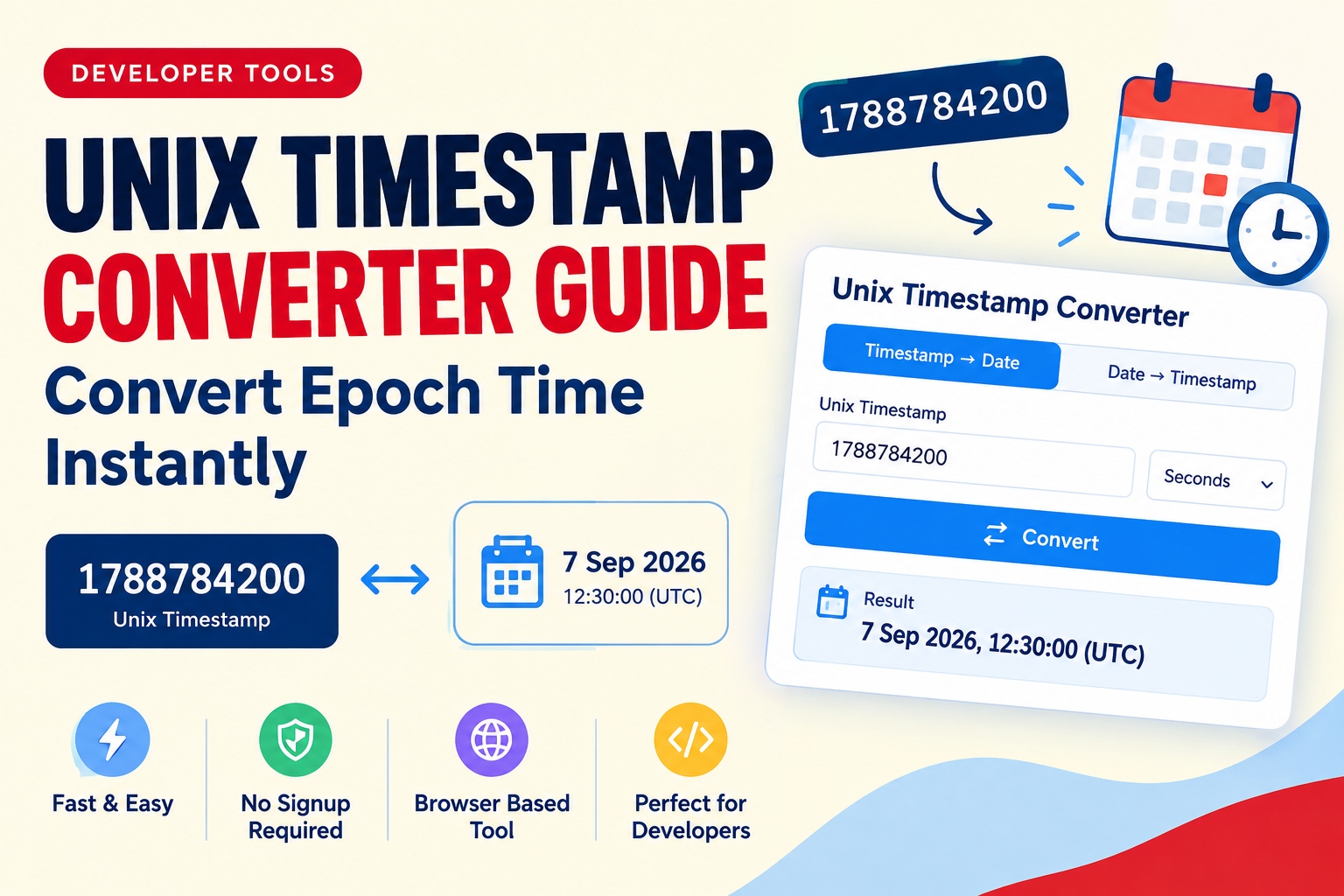
A Unix timestamp is a way of representing a specific point in time as a single number. Instead of storing a date in a human-readable format such as September 7, 2026, 12:30 PM, software can represent the same moment using the number of seconds that have passed since the Unix epoch.
The Unix epoch begins at:
January 1, 1970, 00:00:00 UTC
This system is widely used in software development, databases, APIs, operating systems, logging systems, and web applications.
For example, a Unix timestamp might look like:
1788784200
Humans may not immediately recognize what that number means, but computers can easily store, compare, sort, and process it.
This is why a unix timestamp converter is useful for developers who need to quickly translate between epoch time and normal calendar dates.
What Is Epoch Time?
Epoch time, Unix time, and Unix timestamp are commonly used to describe the same basic concept.
Unix time counts the number of seconds since the Unix epoch:
January 1, 1970 at 00:00:00 UTC
For example, if an application stores:
0
that represents the beginning of the Unix epoch.
A larger value represents a later point in time.
The important detail is that Unix timestamps normally represent time in UTC, which makes them useful for systems operating across different time zones.
Why Do Developers Use Unix Timestamps?
Unix timestamps are popular because they provide a simple numerical representation of time.
Instead of comparing complex date strings, software can compare numbers.
For example:
1750000000
is easier for a program to compare with:
1760000000
than it would be to compare formatted date strings.
Unix timestamps are commonly used for:
- API responses
- Database records
- Authentication tokens
- Access expiration times
- Application logs
- File metadata
- Event tracking
- Scheduling systems
- Cache expiration
- Session management
- Web development
- Server monitoring
This makes timestamp conversion an important part of many programming workflows.
Unix Timestamp vs Human-Readable Date
A normal date is designed for people to understand.
For example:
September 7, 2026, 12:30 PM
A Unix timestamp is designed to be processed by software:
1788784200
Both can represent a point in time, but they serve different purposes.
| Format | Example | Best For |
|---|---|---|
| Human-readable date | September 7, 2026 | People |
| Unix timestamp | 1788784200 | Software |
| ISO 8601 | 2026-09-07T12:30:00Z | APIs and systems |
A timestamp converter lets you move between these formats quickly.
What Is a Unix Timestamp Converter?
A unix timestamp converter is an online utility that converts Unix timestamps into readable dates and can also convert dates back into Unix timestamps.
For example:
Unix timestamp → Human-readable date
or:
Human-readable date → Unix timestamp
A good epoch converter can be useful when debugging an API, checking database values, investigating application logs, or working with authentication systems.
Instead of manually calculating the date, developers can enter the timestamp and immediately see the corresponding date and time.
Seconds vs Milliseconds
One of the most common problems when working with timestamps is confusing seconds with milliseconds.
A traditional Unix timestamp is generally expressed in seconds.
For example:
1788784200
JavaScript and many web APIs frequently use milliseconds.
A JavaScript timestamp may look like:
1788784200000
The millisecond value is approximately 1,000 times larger than the second-based Unix timestamp.
This distinction is extremely important when working with APIs and JavaScript.
JavaScript Example
JavaScript can generate the current timestamp in milliseconds using:
Date.now()
If you need Unix time in seconds, you can use:
Math.floor(Date.now() / 1000)
This converts the JavaScript millisecond timestamp into Unix-style seconds.
How to Convert Unix Timestamp to Date
The easiest way to convert an epoch timestamp is to use a timestamp converter.
The general process is:
- Copy the Unix timestamp.
- Open a timestamp conversion tool.
- Enter the timestamp.
- Select seconds or milliseconds if required.
- Convert the value.
- Review the resulting date and time.
For example, if an API returns:
1750000000
you can enter that number into an epoch converter to determine the corresponding UTC date and time.
This is much faster and less error-prone than calculating the value manually.
How to Convert a Date to Unix Timestamp
The conversion can also work in the opposite direction.
Suppose you have a date such as:
2026-09-07 12:00:00 UTC
You can use a date converter or timestamp calculator to turn that date into a Unix timestamp.
The process is:
- Enter the date.
- Enter the time.
- Select the appropriate time zone.
- Convert the date.
- Copy the resulting Unix timestamp.
This is useful when creating API requests, testing expiration times, preparing database values, or working with scheduled events.
Unix Time in JavaScript
JavaScript has built-in support for working with dates and timestamps.
To get the current time in milliseconds:
Date.now()
To create a Date object from a millisecond timestamp:
new Date(1788784200000)
You can then convert the date into a readable format.
For example:
new Date(1788784200000).toISOString()
The result uses the ISO 8601 format, which is commonly used in APIs and web development.
Converting Seconds in JavaScript
If you have a Unix timestamp expressed in seconds, multiply it by 1,000 before passing it to the JavaScript Date constructor:
new Date(1788784200 * 1000)
This is because JavaScript's Date constructor works with milliseconds.
Unix Timestamps in APIs
Unix timestamps are extremely common in API development.
An API might return a response containing:
{
  "created_at": 1788784200
}
The value may represent when a record was created.
A developer can pass that timestamp through a unix time converter to determine the corresponding date.
Many APIs use timestamps for:
- Created dates
- Updated dates
- Expiration dates
- Authentication events
- Login times
- Payment events
- Scheduled tasks
- Notifications
When debugging API responses, being comfortable with epoch time can save significant time.
Unix Timestamps in Databases
Databases also frequently store timestamps.
Depending on the database and application architecture, a timestamp may be stored as:
- Unix seconds
- Unix milliseconds
- A native date/time type
- An ISO 8601 string
Numeric timestamps can be particularly convenient when applications need to compare dates.
For example:
created_at = 1750000000
can be compared numerically with another timestamp.
However, developers should always document whether their system expects seconds or milliseconds.
A mismatch can result in dates that appear thousands of years away from the expected value.
Common Unix Timestamp Mistakes
1. Confusing Seconds and Milliseconds
This is probably the most common mistake.
A timestamp such as:
1750000000
is likely seconds.
A value such as:
1750000000000
is likely milliseconds.
Always check the expected unit before performing conversion.
2. Ignoring Time Zones
Unix timestamps represent an absolute point in time, but the displayed date can differ depending on the selected time zone.
For example, the same timestamp may display as a different local clock time in Pakistan, London, New York, or Tokyo.
When debugging dates, always check whether the application expects UTC or a local time zone.
3. Assuming Every Timestamp Is Unix Time
Not every large number represents Unix time.
Some systems use different epochs, custom counters, or application-specific identifiers.
Always check the documentation for the system or API you are working with.
4. Using Local Time Without Documentation
If an application stores timestamps without clearly defining the time zone, developers can encounter difficult-to-debug problems.
For APIs and distributed applications, UTC is generally the safest reference point.
Unix Timestamp Converter for Developers
A browser-based timestamp converter can become a useful part of a developer toolkit.
Developers commonly need quick utilities when debugging:
- REST APIs
- JSON responses
- Databases
- Authentication systems
- Webhooks
- Server logs
- Cron jobs
- JavaScript applications
- Backend services
Instead of opening a separate programming environment just to convert one timestamp, an online utility can provide the result immediately.
This is one reason browser-based utilities are useful alongside other developer tools and coding tools.
Timestamp Generator vs Timestamp Converter
These two tools perform different jobs.
A timestamp generator creates a timestamp for a current or selected date and time.
A timestamp converter translates an existing timestamp into a readable date or converts a date into a timestamp.
For example:
Generator:
Current date/time → Unix timestamp
Converter:
Unix timestamp → Readable date
A developer toolkit may include both functions because they solve different problems.
What Is a Timestamp Calculator?
A timestamp calculator helps developers work with time values and determine relationships between timestamps.
Depending on the tool, it may help calculate:
- Difference between two timestamps
- Time between two dates
- Future timestamps
- Past timestamps
- Unix time from a date
- Date from Unix time
This can be particularly useful when testing expiration periods and scheduled events.
Unix Timestamp and Authentication
Time values are important in authentication and security systems.
For example, a token may contain an expiration timestamp.
A system might store:
exp: 1788784200
The application can compare the expiration value against the current time to determine whether a token is still valid.
Developers debugging authentication systems often need an epoch converter to quickly understand these values.
However, timestamp conversion itself does not provide security. It is simply a way to interpret time-related data.
Unix Time and Web Development
Modern web applications frequently exchange date and time information between browsers, servers, and APIs.
A frontend application may receive a timestamp from a backend API and convert it into a readable date before displaying it to the user.
For example:
1788784200
might become:
September 7, 2026
The exact displayed time depends on how the application handles time zones.
Understanding Unix time is therefore an important skill for web development.
Why UTC Matters
UTC is important because Unix timestamps are based on the Unix epoch in UTC.
Consider an application used by people around the world.
If one server stores an event using local time in Pakistan while another service interprets the value as New York time, the systems can disagree about when the event happened.
Using UTC as a common reference point helps distributed systems maintain consistent time values.
When displaying dates to users, applications can then convert UTC into the user's preferred local time zone.
Are Unix Timestamps Still Used?
Yes.
Unix timestamps remain widely used in software development, APIs, databases, logging, and system administration.
Modern systems may also use ISO 8601 date strings or native date/time types, but Unix timestamps remain convenient because they provide a compact numerical representation of an instant in time.
The key is choosing the format that fits the system and using it consistently.
Unix Timestamp Tools vs Manual Conversion
You can manually convert timestamps using programming languages or command-line tools, but an online utility can be faster for one-off tasks.
For example, developers working with a log entry might encounter:
1760000000
Rather than opening a development environment, they can use a free developer tool to immediately identify the corresponding date.
This is particularly useful during debugging and troubleshooting.
How to Use TrendPro's Timestamp Converter
TrendPro provides browser-based utilities designed to make common development tasks faster.
To convert epoch time:
- Open the Timestamp Converter.
- Enter your Unix timestamp.
- Select the correct timestamp unit.
- Convert the value.
- Review the resulting date and time.
- Copy the result when needed.
You can also use the same type of tool when converting a date back into Unix time.
Because the utility runs in the browser, it can be convenient for quick development tasks without installing additional programming software.
Other Developer Utilities You May Need
Timestamp conversion is only one part of everyday development work.
Developers often need other programming tools for handling structured data and identifiers.
JSON Formatter
When working with API responses, JSON can become difficult to read when it is minified.
A JSON Formatter can format JSON into a readable structure, making it easier to inspect objects and troubleshoot API responses.
UUID Generator
UUIDs are commonly used as unique identifiers for records, resources, requests, and application objects.
A UUID Generator can quickly create identifiers when testing applications or APIs.
These tools complement a timestamp converter as part of a broader developer toolkit.
Frequently Asked Questions
What is a Unix timestamp?
A Unix timestamp is a numerical representation of a point in time based on the number of seconds elapsed since January 1, 1970, 00:00:00 UTC.
What is an epoch converter?
An epoch converter converts Unix or epoch timestamps into human-readable dates and can often convert dates back into timestamps.
Is Unix time the same as epoch time?
In common software-development usage, Unix time and epoch time usually refer to the same timestamp system based on the Unix epoch.
Is Unix timestamp in seconds or milliseconds?
Traditional Unix timestamps are generally represented in seconds. Many web technologies, including JavaScript's Date system, commonly use milliseconds.
Why is my timestamp showing the wrong date?
Check whether the value is in seconds or milliseconds and verify which time zone the converter or application is using.
Can I use Unix timestamps in APIs?
Yes. Unix timestamps are commonly used in API development for representing creation times, update times, expiration times, and other events.
Are Unix timestamps timezone-dependent?
The timestamp itself represents an instant in time. The human-readable date and clock time can change depending on the time zone used for display.
What is the easiest way to convert epoch time?
Using an online unix timestamp converter is one of the quickest ways to convert epoch time into a readable date.
Final Thoughts
Unix timestamps provide a simple and reliable way for software systems to represent points in time. They are widely used in APIs, databases, authentication systems, logs, and web applications.
The main concepts to remember are:
- The Unix epoch starts on January 1, 1970, at 00:00:00 UTC.
- Traditional Unix timestamps are usually measured in seconds.
- JavaScript commonly works with milliseconds.
- Always check the time zone when displaying timestamps.
- APIs frequently use timestamps for dates and expiration times.
- A timestamp converter can quickly translate between epoch time and readable dates.
For developers, keeping a reliable unix timestamp converter available can make debugging and development considerably faster.
TrendPro's collection of free developer tools, browser-based utilities, and programming utilities is designed to help developers handle these everyday tasks without unnecessary complexity.