
Password Entropy Explained Simply
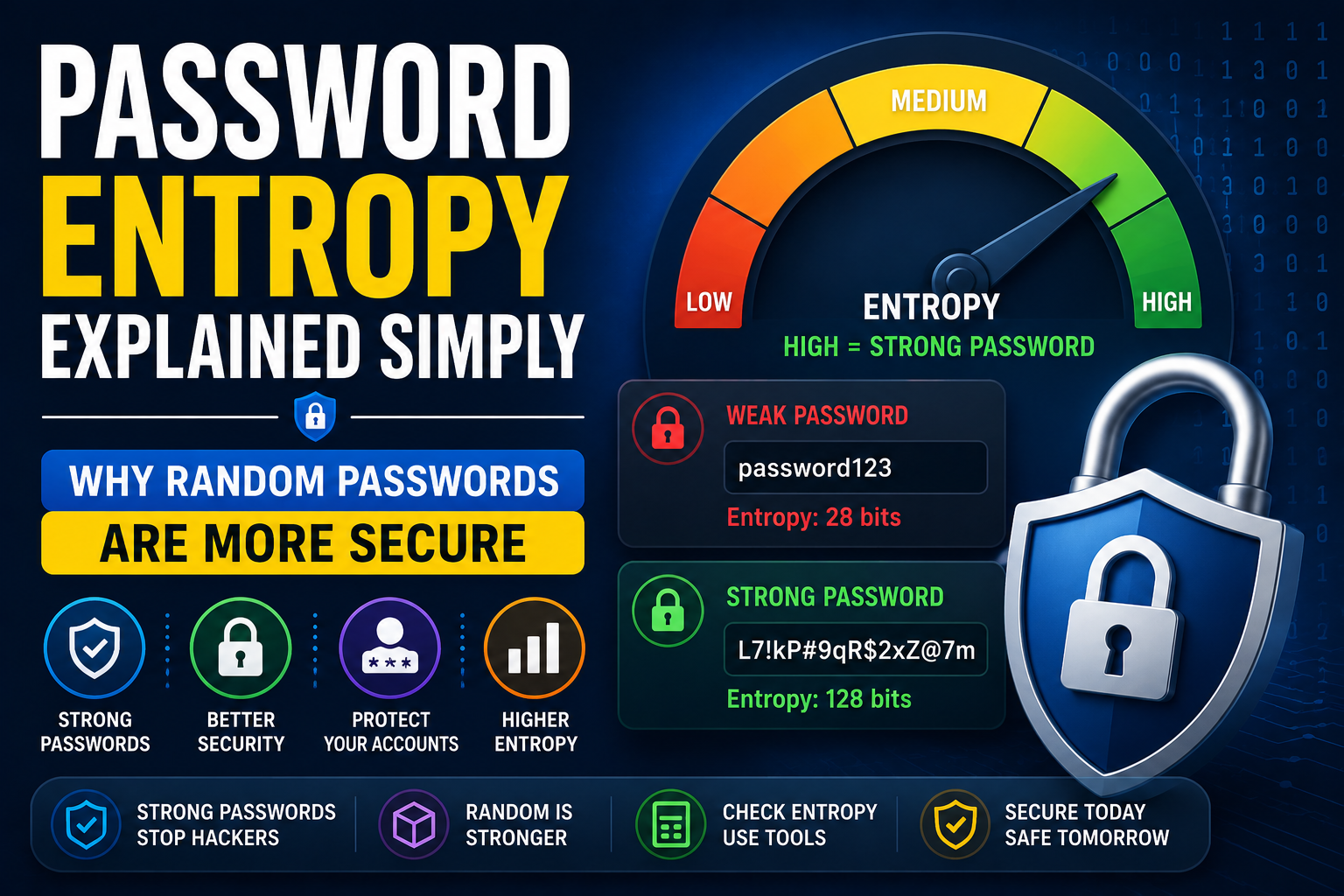
If you've ever searched for ways to create a strong password, you've probably come across the term password entropy.
It sounds technical, but the idea is actually very simple.
Password entropy measures how difficult it would be for someone to guess or crack your password. The higher the entropy, the more secure your password becomes.
In this guide, we'll explain password entropy in plain English, why it matters, and how to create passwords that are much harder for attackers to break.
What Is Password Entropy?
Password entropy is a measurement of unpredictability.
Instead of looking only at password length, entropy considers:
- Password length
- Character variety
- Randomness
- Total possible combinations
A password with high entropy is much more difficult for attackers to guess using automated tools.
That's why cybersecurity professionals focus on entropy instead of simply counting characters.
Why Password Strength Matters
Many people assume a long password is automatically secure.
That's not always true.
Consider these examples:
- Password123456
- Summer2026!
- AliPakistan1
Although they're relatively long, they're still predictable.
True password strength comes from randomness, not familiarity.
Using a random password generator creates combinations that attackers cannot easily predict.
What Makes a Secure Password?
A secure password should be:
- At least 16 characters long
- Completely random
- Unique for every account
- A mixture of uppercase letters
- Lowercase letters
- Numbers
- Special characters
Avoid using:
- Names
- Birthdays
- Phone numbers
- Dictionary words
The less predictable your password is, the better.
How a Password Generator Helps
Creating random passwords manually is almost impossible.
A reliable password generator uses cryptographically secure random values to generate passwords with very high entropy.
A quality generator lets you choose:
- Password length
- Uppercase letters
- Lowercase letters
- Numbers
- Symbols
This makes creating strong passwords fast and effortless.
Understanding Password Cracking
Hackers rarely guess passwords manually.
Instead, they use software capable of trying millions—or even billions—of password combinations every second.
Common password cracking methods include:
- Brute-force attacks
- Dictionary attacks
- Credential stuffing
- Password spraying
Passwords with high entropy take dramatically longer to crack than predictable ones.
Password Examples
Weak passwords:
- password123
- welcome2026
- qwerty123
- football1
Strong password examples:
- H9@Lm#4qPx!8Vz$R
- cT7!Qa#9Pw$2LmX8
- Wz!5Kb@4Rp9&XqM2
Notice that secure passwords don't contain recognizable words or personal information.
Can You Measure Password Entropy?
Many websites provide an entropy calculator that estimates how difficult your password would be to crack.
While no calculator is perfect, they provide a useful indication of password quality.
Many security tools also include password strength analysis based on entropy calculations.
Password Management Tips
Using different passwords for every account is essential.
A password management application securely stores all your unique passwords in an encrypted vault.
Modern password managers also offer:
- Automatic password generation
- Secure syncing
- Password health reports
- Breach alerts
- Secure autofill
This makes maintaining dozens of strong passwords much easier.
Online Security Starts With Strong Passwords
Good passwords are one of the foundations of online security.
Even the best antivirus software cannot protect an account if the password is weak.
Improving your passwords also improves:
- Internet security
- Data protection
- Account privacy
- Identity protection
- Overall digital security
A few minutes spent creating stronger passwords can prevent major security problems later.
Security Best Practices
Follow these security best practices to better protect your accounts:
- Use a unique password for every website.
- Generate passwords with a random password generator.
- Enable two-factor authentication.
- Store passwords in a trusted password manager.
- Never share passwords through email or messaging apps.
- Replace passwords immediately after a known data breach.
These habits greatly reduce the risk of compromised secure accounts.
Final Thoughts
Understanding password entropy helps you create passwords that are much harder to crack.
Instead of relying on memorable phrases or predictable patterns, use a trusted password generator to create a truly secure password with high entropy.
Combined with good password security, strong password management, and modern cybersecurity practices, you'll significantly improve your protection online.
If you're looking for the best free online tools website, a website with many useful tools, or an all in one productivity tools site, TrendPro offers online tools without signup for developers, students, and professionals.
You'll find a free password generator, online security tools, developer utility tools online, online text utilities, free browser based utilities, free PDF and image tools online, JSON formatter and converter online, and many other practical resources. It's also one of the leading alternatives to SmallSEOTools, making it a useful website for daily use tools, a best toolkit website for students, and a growing collection of free web tools for creators.